Google Business Video Guide
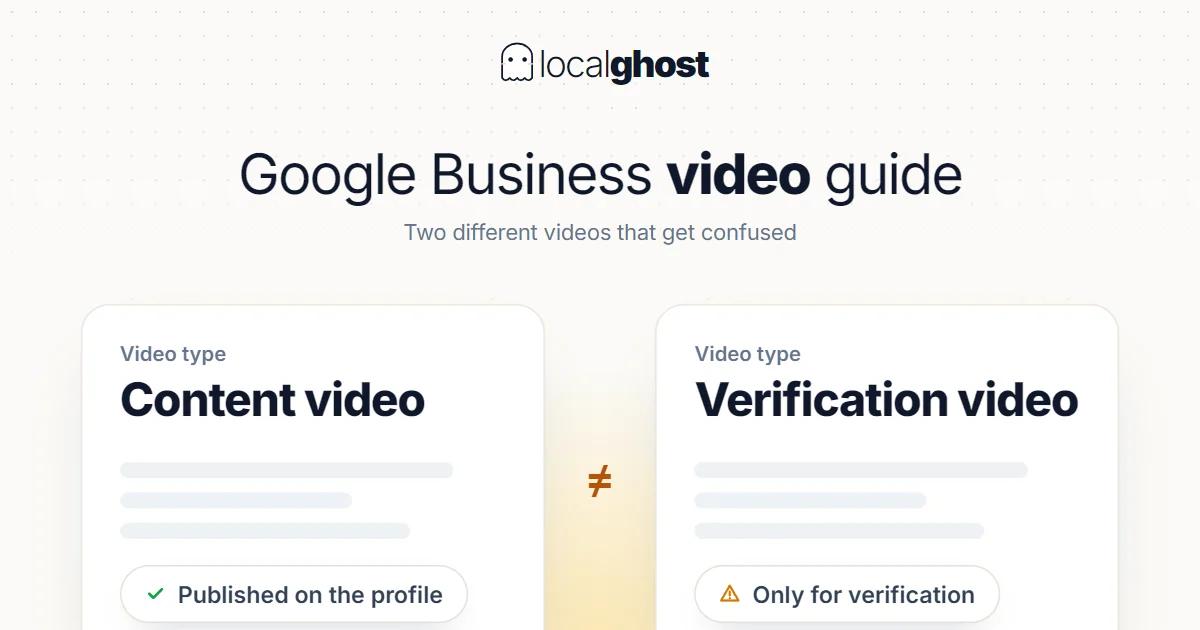
Video on the profile is supported, but two different videos get confused: content video and verification video.
In this article
Summarize with AI
The first thing to separate here is that two different videos get conflated.
Content video. The video you add to your profile's photo section, the one customers see. Google's support documentation supports this explicitly: you can add photos or videos of your storefront, products and services to your Business Profile.
Verification video. An entirely different purpose. A video filmed to prove to Google that you manage or represent the business, which customers never see. Per Google's documentation, this method works for businesses with a physical storefront, service-area businesses, and hybrid setups that do both.
Even filmed in the same place, they are not the same job. The verification video opens a door; the content video shows what is inside.
Verification video: the goal is proof
This video is not marketing material, it is proof of identity. So what matters is not aesthetics but evidential weight.
Three things need establishing together: that the business really is at that address, that it really is trading, and that you have access to it.
In practice that means one continuous walkthrough in a single take: the exterior and signage, the street and surroundings, entering through the door, visible signs of activity inside (equipment, stock, work area), and something demonstrating your access rights — a till, a stockroom, a staff-only area that a customer could not reach.
A common mistake is submitting an edited promotional film with music. Cuts, transitions and music reduce evidential weight; continuity increases it.
For those working a service area without a physical shop the logic is the same but the content differs: vehicle, equipment, branded materials and the area where work happens. That structure has its own conditions: home-based service businesses.
Verification is the stage that wastes the most time in a new business. It needs starting weeks before opening: 30-day plan for a new business.
Content video: what to film
The measure here is not views but easing a decision. A video on the profile does work when it answers the customer's question "should I go there".
Google's own advice offers a clue: an exterior photo helps customers recognise the business when they visit. The same logic works more strongly in video, because video also shows the surroundings.
Turned into a shot list:
Entrance and surroundings. The walk from the street to the door. This is the most useful type of video, because it solves "will I be able to find it". Parking and the entrance door are part of this shot.
What is inside. Seating layout, waiting area, counter, treatment room. The customer knows what they are walking into.
The work being done. A short slice of the process. Seeing how the service is performed does what description copy cannot.
Product or stock. Showing what you carry answers "do you have it" before it is asked.
There are things not to film: advertising constructions, graphic videos stacked with text, stock footage. The profile is not an ad surface and an edited promo looks foreign there.
Where video does not replace photos
Adding video does not finish the photo job. Their roles differ.
On the photo side the thing doing the most work is recency: the date of the newest photo carries more meaning than the total count. Uploading one video and letting the photo flow stop halts that recency signal: photo optimization.
Photos also work better when they are category-specific — Google recommends adding category-appropriate photos. Which means your category choice also shapes your photo and video strategy: how to choose the primary category.
If you want to show a whole space, 360-degree capture is a separate tool doing a different job from video: 360-degree photo guide.
Using video in a post
There is a second surface for video: posts. Per Google's documentation a post can contain a description, a photo, a video and an action button with a link, and the button should take the customer to a site where they can complete the action — make a booking, order online, or learn more.
That is a different use from video in the profile's photo section: there the video is permanent presentation, in a post it is part of a current announcement. For time-bound content like an offer, a new product or a season opening, a post is the right place: how to schedule posts.
Make sure the page the action button leads to can actually perform that action. A "book now" button landing on a homepage loses the high-intent user: website SEO for local businesses.
The right behaviour around technical limits
Technical limits like duration, file size and resolution change over time, and the numbers circulating on this topic are frequently out of date.
So rather than quoting figures I will suggest a behaviour: check Google's own help page for current requirements before uploading. Trusting a number in a blog post means losing time to a rejected file.
Three rules that do not depend on any figure stay constant:
Keep it short. Video on a profile exists to be glanced at, not watched. Long videos do not get finished anyway.
Make it work without sound. Video is mostly viewed muted. A video that depends on narration says nothing on mute.
Shoot vertical. The viewer is on a phone. Horizontal footage gets squeezed into a thin strip.
Why videos get removed
Uploaded video disappearing is less rare than people assume, and the reasons are usually the same.
Content unrelated to the business. The profile exists for content showing the business. Irrelevant footage can be removed.
Content belonging to someone else. Stock footage or material used without permission carries risk.
Personal data. A customer's face, a number plate, information visible on a screen. If customers appear, permission is needed; in fields like healthcare this is stricter and you need to check your own regulations: Google Maps SEO for dental clinics.
Advertising character. Videos with price lists, offer graphics and contact details printed on them look foreign as profile content; their place is a post.
There is also the side you do not control: customers can add photos and videos too. You cannot delete that flow; you can only report content that breaches the guidelines. Adding your own content regularly is the only way to stay visible within it.
Which video works by sector
Food and drink. Seating layout, the room when busy, and the plate. Decisions get made on those three: Google Business guide for restaurants.
Accommodation. An in-room walkthrough and the view. Video here directly affects the booking decision: local SEO for hotels.
Technical services. The process itself. In vehicle inspection, showing the measurement being taken persuades more than describing the report scope: vehicle inspection.
Hard-to-find addresses. A street-to-door walk is the highest-return video for places that are difficult to describe, like a scrapyard or an industrial estate.
Trades with product flow. In wholesale food, the day's produce; the content can refresh every week: wholesale food suppliers.
Multi-branch structures. The video must be filmed at that branch. One central video distributes the same footage to every location and the branches become indistinguishable: multi-location management.
Frequently asked questions
Can I add video to my profile? Yes. Google's support documentation states that photos or videos of your storefront, products and services can be added to the profile.
Are verification video and content video the same thing? No. The verification video proves you manage the business and customers never see it. The content video is what appears to customers on the profile.
What duration and file size should the video be? Those limits change; checking Google's current help page before uploading is the right move. The rules that do not change: keep it short, make it work on mute, shoot vertical.
Will video improve my rankings? No such claim can be made. The effect is on the decision side: seeing the place and the process makes it easier to choose to come.
Why was my video removed? The most common reasons: content unrelated to the business, footage belonging to someone else, personal data without permission, and material that is advertising in character.
Can I delete videos customers added? You cannot. You can only report content that breaches the guidelines. Adding your own content regularly is how you stay visible in the flow.
Written by
Yunus Akan
Related tools: Add GPS to photos · Review replies · All local SEO tools