Seven social networks
Shown under Contact on Google Maps; the section counts as done when all seven are filled.
Every module on every plan. Plans differ only by locations, team size and AI allowance.
Four tabs, synced to Google, with the next step always in the header.
No credit card required
This screen is live: change a field and the save bar appears, add a service, dismiss a suggestion, switch Protection. Nothing is sent to Google, and the AI texts are samples.
Business Profile
As you scroll, one part of the screen steps forward.
The header shows how complete the profile is and the next step to take, here the website. Each tab gets a green tick when it's done and an orange dot when it has unsaved changes.
Every tile is a real part of the dashboard.
Shown under Contact on Google Maps; the section counts as done when all seven are filled.
A main number, two extra numbers and your site; an invalid address isn't saved.
Up to 20 areas from Google's place search; the address itself changes on Google.
Holiday hours and days you're closed, even past midnight; past days clear in one click.
Price, description and Google status on every row; edit in place and let AI write the description.
The short answers to what people ask about the profile editor.
Still have a question? Write to usThe header shows how complete your profile is and the next missing field, each tab gets a tick when it's done, and the description shows the searches Google measured that your text doesn't mention yet. You fill the gaps; every save goes to Google.
Yes. Changes are sent to your Google Business Profile through Google's API. If a save doesn't go through, the panel tells you so you can try again.
You can add and remove up to 9 additional categories. The primary category and the storefront address are shown for reference and are changed on Google's side.
Each tab keeps its draft even when the profile refreshes, the tab shows an orange dot and your browser warns you before you leave the page.
When it's on and a protected field (name, address, phone, hours or open status) is changed on Google without your approval, Localghost restores your saved value and notifies you.
It writes plain text within Google's 750-character limit from the 3 to 8 words you pick, and each draft uses one monthly AI credit. You review it before saving.
No. Localghost doesn't have a menu editor; menu photos can be uploaded under Photos.
What to fill in, in which order, and what Google actually uses.
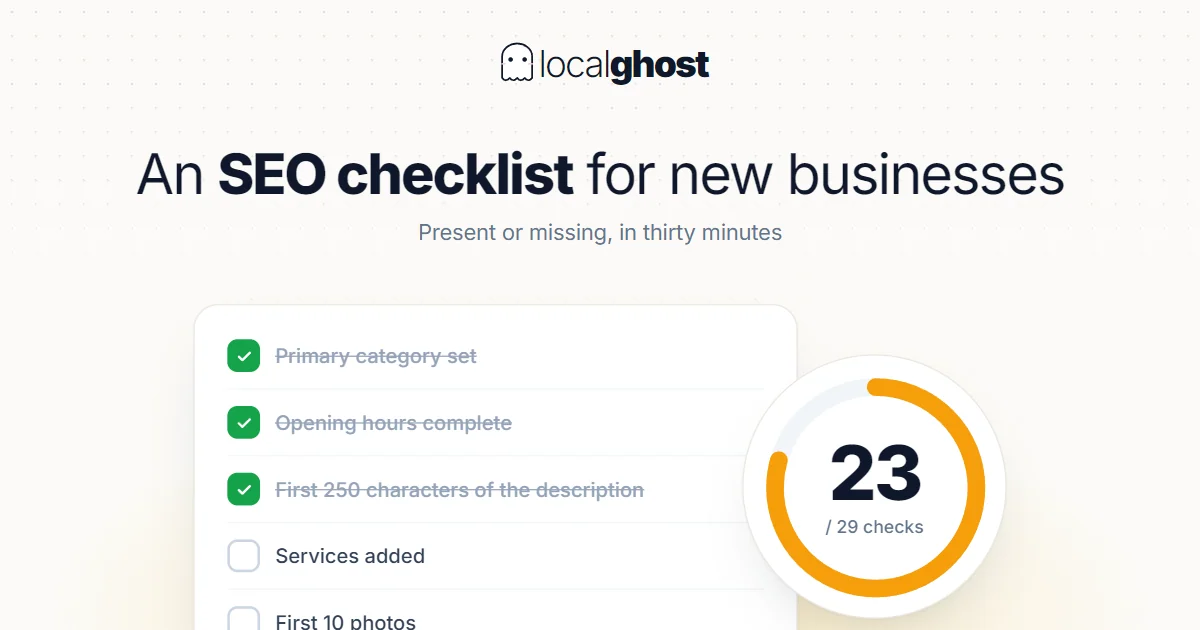
This is not a schedule of things to do but a present-or-missing list. Run it end to end in thirty minutes and mark the gaps.
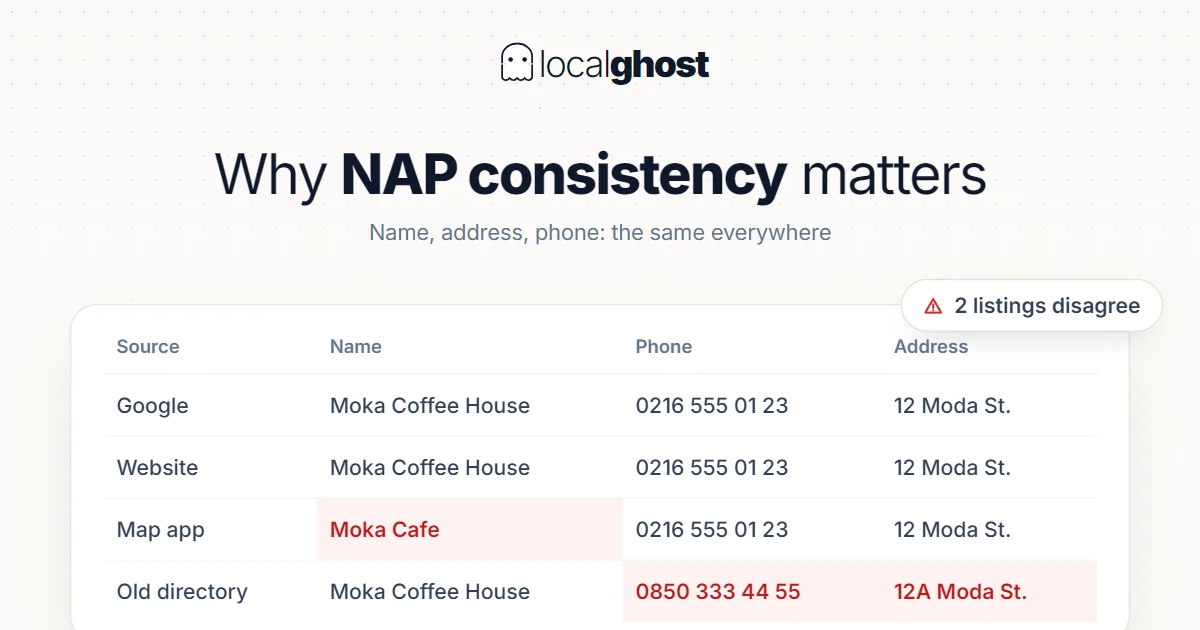
ReadNAP consistency is not housekeeping, it is a trust problem. But fixing every directory is also a waste: which ones actually count?
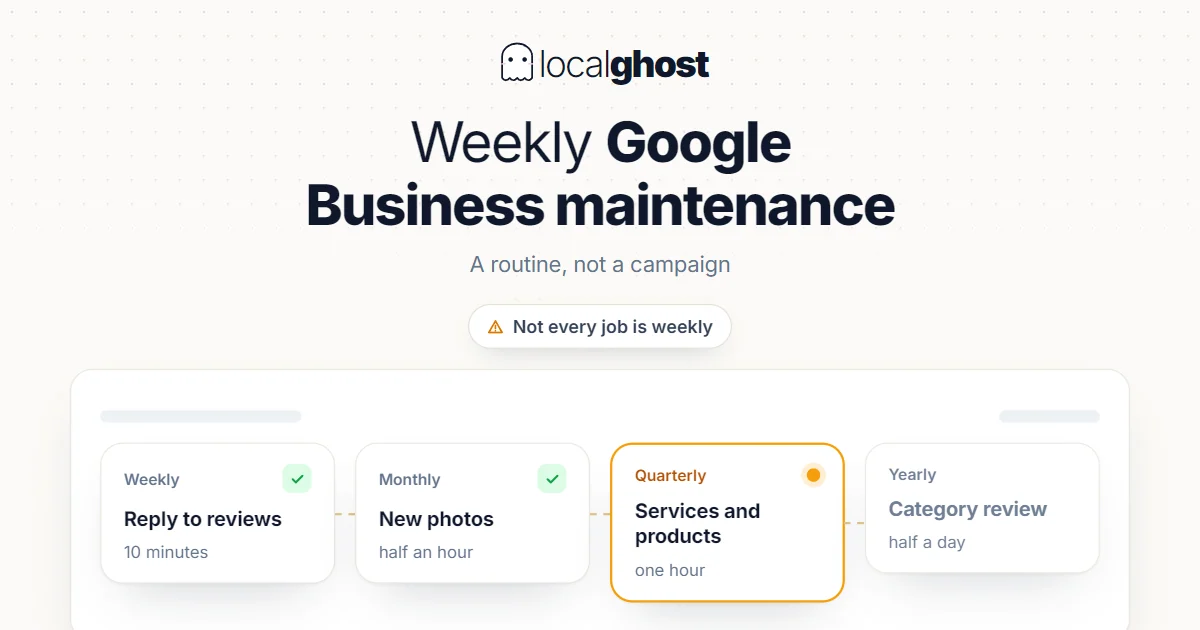
ReadProfile maintenance is a routine, not a campaign. But not every job is weekly — doing some of them weekly causes damage.
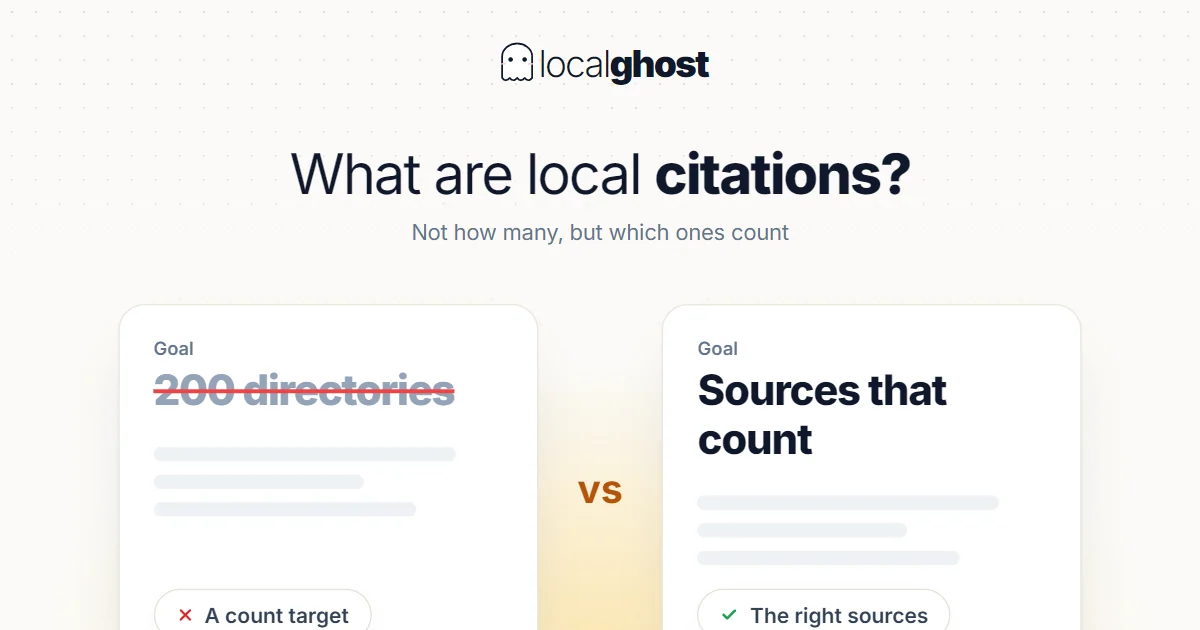
ReadA citation is a mention of your business details somewhere else. Setting a count target breaks this work; which source counts is the real question.
ReadConnect Google and the editor opens with your live profile and the next step to take.
No credit card required