Skip to content
Post Management

Schedule Google posts your customers will actually see

Plan, schedule and publish Google Business Profile updates, offers and events from one calendar. AI helps with copy, you decide the timing — and Google rewards your active profile with better local visibility.

Calendar
Visual scheduler
AI copy
Post text suggestions
Auto-publish
Set & forget
Inside the module

Treat Google posts like the marketing channel they are

Most businesses post on Google once and forget. Localghost makes regular posting effortless — and Google's algorithm rewards profiles that stay active with higher map placement.

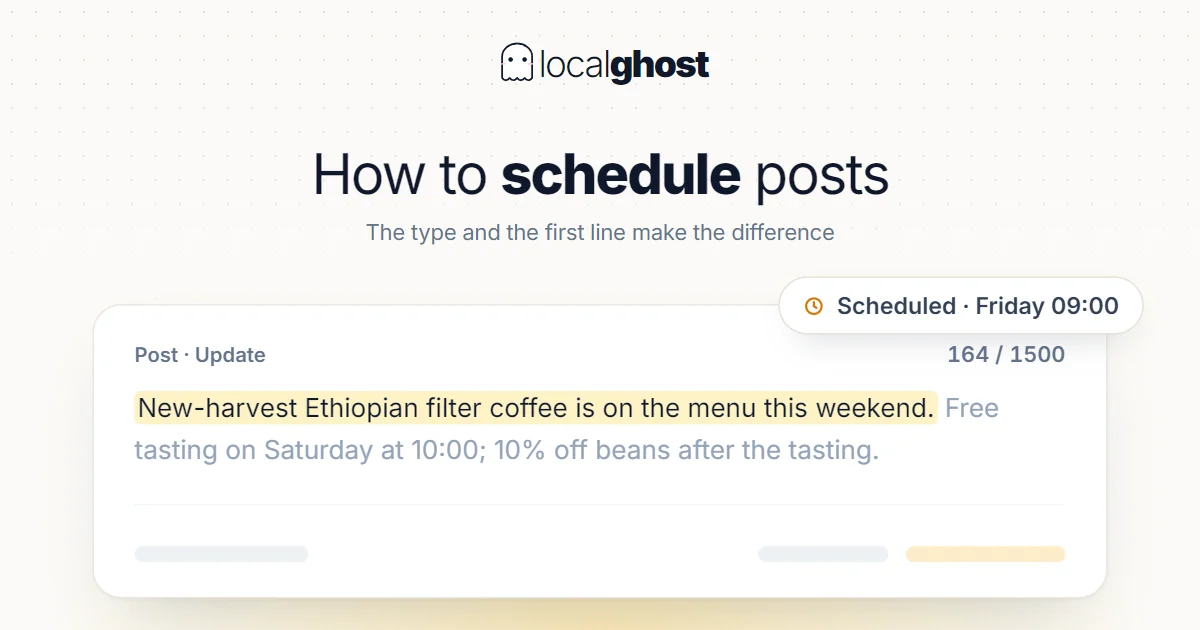
Scheduled publishing

Pick a date and time; Localghost publishes to Google for you. Scheduled posts are processed every 2 minutes, so your timing is respected to the minute.

AI copy generator

Pick a post type (update, offer, event), describe the topic in one line and let AI draft a Google-ready post in your brand voice.

Image checks before publishing

Google silently rejects images that are too small — under 10 KB fails with an unhelpful 500 error. Localghost validates size and format before sending, so you find out in the editor instead of after a failed publish.

Offers & events

Schedule limited-time offers and event posts with start/end dates. Localghost handles publishing and expiration automatically.

Automatic retry on failure

If Google rejects a publish for a temporary reason, Localghost retries in the background instead of silently dropping your post.

Visible failure reasons

When a post can't be published, the card shows exactly why — the rejected field, the business connection state and Google's own error. No more guessing why a post never went live.

How it works

1

Pick a type and date

Choose post type — update, offer or event — and set the publish time.

2

Generate with AI

Describe the topic. AI drafts headline + body. Edit if needed, attach an image, and Localghost validates it before publishing.

3

Auto-publish

Localghost publishes to Google at the scheduled time. If anything fails, you see the reason on the post card and it retries automatically.

Frequently asked questions

How often should I post on Google?

Once or twice per week is a strong baseline. Google rewards consistent activity; gaps of 2+ weeks visibly hurt map placement.

Can I schedule offers and events?

Yes. Post type is selectable — update, offer (with discount + dates) or event (with start/end + location). Localghost publishes and expires automatically.

Will my drafts be published if I don't approve them?

Only scheduled posts publish automatically. Drafts stay in the calendar until you set a publish date.

Can multiple team members work on posts?

Yes. Workspace seats let your team draft, schedule and publish together with role-based permissions.

Why do Google posts sometimes fail to publish?

The most common cause is the image: Google rejects files under 10 KB with a generic 500 error that says nothing useful. Localghost checks size and format before sending and, when Google still refuses, shows the exact reason on the post card.

How publishing works

Why Google posts fail, and what we do about it

Publishing to Google Business Profile fails in ways the API does not explain. A rejected image returns a generic server error with no field name and no reason. This section documents the failure modes we hit in production and the guardrails built from them.

01

The 10 KB image floor nobody documents

Google rejects post images below roughly 10 KB. It does not say so. The request comes back as a generic internal server error with no mention of the image, the size, or which field caused it.

We found this the hard way. A post kept failing with a 500 while everything checkable looked fine: the image was reachable over HTTPS, the dimensions were well above the minimum, the CTA link resolved, the business connection was healthy with the right permission scope, and the same request shape worked for other posts. The file was 10,093 bytes — 147 bytes under the limit. A well-compressed 500×500 photo lands in exactly that range.

Only the upper bound was being checked before, because 5 MB is the documented limit and a lower bound is not something you think to test. Both ends are validated now, at upload time and again before publishing, so the problem surfaces in the editor with a clear message instead of as an unexplained server error minutes later.

02

Failure reasons are stored, not just logged

When a publish fails, the reason is written to the post itself: the error Google returned, when it happened, which fields were sent, the state of the business connection and whether the required permission scope was present.

The alternative — logging the error and returning a generic message to the user — makes support impossible. By the time someone reports "my post did not publish", the console line is gone, the request is untraceable, and the only honest answer is to ask them to try again and watch.

Storing it turns that conversation into a single glance. The post card shows what was rejected and why, which is usually enough to fix it without anyone touching a log file.

03

Timeouts that actually cover the whole request

A subtle bug worth describing, because it is easy to reproduce anywhere: an abort timer attached to a request but not to reading the response body.

In that arrangement the timeout guards the connection and the headers, then stops. If the server accepts the connection, sends headers and stalls while streaming the body, the abort signal has already been cleared and the code waits indefinitely. The timeout looks correct in review and does nothing in production.

We found this pattern in four places, including the payment path and inside a transaction holding a database lock — the worst possible place for an unbounded wait. All four now keep the timeout in force until the body is fully read. If you have similar code, this is worth checking today.

04

A publish attempt has a hard ceiling

The publish endpoint works to a 45-second budget. If the total time crosses it, the attempt stops with an explicit budget-exceeded result rather than hanging.

This exists because a publish is several sequential network calls: token check, media validation, the post request itself, then verification. Each one can be slow without being broken, and without a total budget the sum has no upper bound. A request that never returns is worse than one that fails, because the user has no idea whether to retry.

The budget is per attempt, not per post. Hitting it means this attempt stopped, not that the post is dead — it can be retried, and the reason is recorded.

05

Scheduled posts are processed every two minutes

Scheduling runs on a two-minute tick, so a post set for 09:00 goes out within a couple of minutes of that time rather than at the top of the hour.

The trade-off is deliberate. A longer interval is cheaper but makes scheduling feel unreliable; a shorter one hammers Google's API for no real gain, since minute-level precision does not affect how a post performs. Two minutes keeps the promise of the scheduled time without wasting quota.

Only posts with a publish time are picked up. Drafts without one stay drafts — there is no path where an unfinished post publishes itself.

06

Retry on temporary failure, and only then

When a publish fails for a reason that might resolve on its own, the attempt is queued again in the background instead of being dropped.

The distinction matters because retrying the wrong thing is worse than not retrying. An image below the size floor will fail identically forever; retrying it wastes quota and buries the real reason under repeated identical errors. A temporary upstream error, on the other hand, usually succeeds on the second attempt a few minutes later.

So permanent rejections stop immediately and surface the reason, while transient ones are retried quietly. Either way the outcome ends up on the post card rather than in a log nobody reads.

07

Images are handed to Google by URL, not uploaded twice

Google fetches post images from a public URL rather than receiving the bytes directly. Your upload goes to our storage first, and Google is given the address.

This has a consequence worth knowing: the URL has to be publicly reachable at the moment Google fetches it. A newly uploaded file that has not finished propagating, or an address behind a bot challenge, produces a fetch failure on Google's side — reported, unhelpfully, as another generic error. So the URL is checked for reachability and content type before the publish request is made, and a failure there is reported as a source-access problem rather than a mystery.

The staged copy is kept for a day after a successful publish rather than deleted immediately, because Google may fetch the image again while processing. Cleaning up too early produces a post that published successfully and then lost its image.

08

Offers and events carry their own dates

Post type is part of the payload: a plain update, an offer with a validity window, or an event with a start and end. Offers and events expire on their own dates without needing a follow-up action from you.

This is the part of Google posting that rewards planning. A standard update disappears from your profile after about a week, which is why an unattended profile goes quiet so quickly. An offer or event with a defined window stays relevant for its whole duration and gives you a reason to publish something that is not just an announcement.

09

What we do not claim to do

Localghost does not report per-post views, clicks or conversions, and does not suggest optimal posting times. Google's API does not expose per-post performance for Business Profile posts in a form we can report honestly, and "best time to post" recommendations without your own performance data are guesses dressed as analysis.

There is no drag-and-drop calendar and no image editor either. You pick a date and time, attach an image that passes validation, and the post goes out. We would rather list a shorter set of things that work than a longer set that reads well.