Straight to the differences
Filter by verdict or “NAP issues”, by platform type, or search a platform or domain. The SEO audit opens this page already filtered.
Every module on every plan. Plans differ only by locations, team size and AI allowance.
Find where you're listed and fix the listings that show different details.
No credit card required
This screen is live. Filter the listings, hover a NAP letter, copy your details: it works here exactly as it does in the dashboard.
Citations
As you scroll, one part of the screen steps forward.
The first scan starts when you connect your Google profile and usually takes about five minutes. After that it repeats weekly, and the old results stay on screen while it updates.
Every tile is a real part of the dashboard. Click, filter, copy.
Filter by verdict or “NAP issues”, by platform type, or search a platform or domain. The SEO audit opens this page already filtered.
Name, address and phone exactly as they are on your Google profile, each with a copy button, so every listing you fix gets the same text.
The short answers to what people ask about citations.
Still have a question? Write to usAny page on the web that mentions your business: a directory, a map, a review site, a social profile. When your name, address and phone are the same everywhere, Google can be more confident about your business.
There's no fixed list. Localghost searches Google for your business name, phone, address and website and lists the pages it finds. Social links you added to your Google profile are included as confirmed.
How strongly a page matches your business. Confirmed pages clearly belong to you, likely ones probably do, uncertain ones are worth a look. The NAP consistency figure only uses confirmed and likely listings.
No. It finds them, shows which fields differ and gives you your exact details to copy. You update each listing on that site yourself; nothing is changed automatically.
No, Localghost doesn't submit listings for you. It shows the important platforms where you're still missing, each with a link to create the listing, plus your exact name, address and phone to copy, so building each citation yourself takes a few minutes.
The first scan starts when you connect your Google profile, then it repeats every week on its own. There's no button to start one; your current results stay visible while a new scan runs.
That page didn't show the field in the search result, so it couldn't be compared. It isn't counted as a mismatch.
NAP consistency, directory listings and the checks behind your profile score.
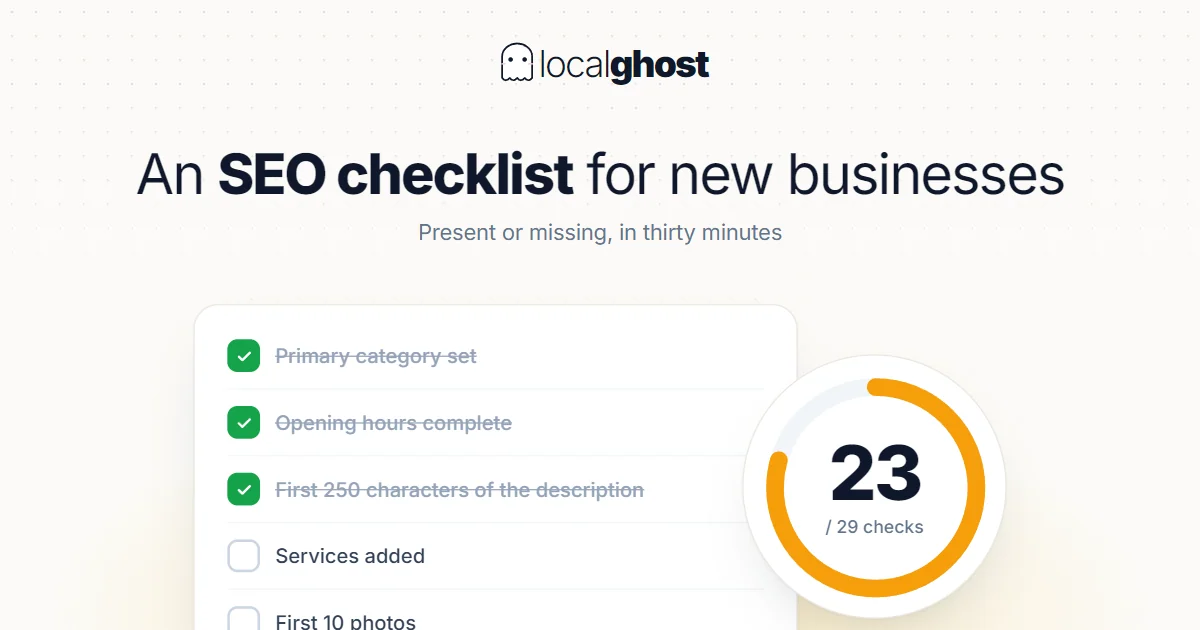
This is not a schedule of things to do but a present-or-missing list. Run it end to end in thirty minutes and mark the gaps.
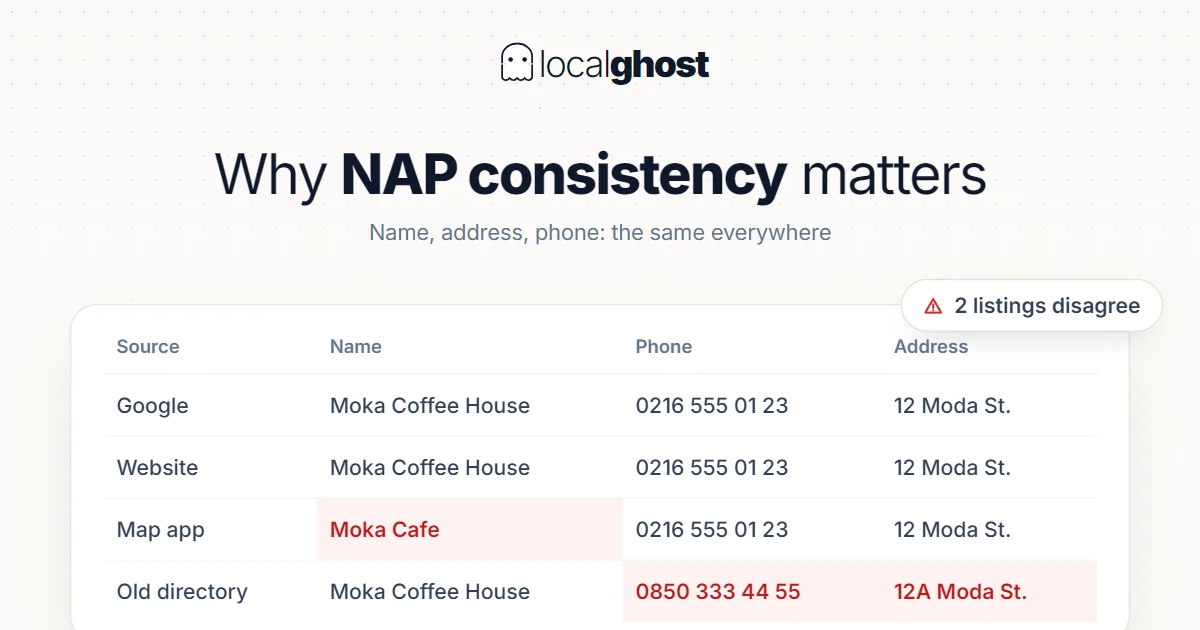
ReadNAP consistency is not housekeeping, it is a trust problem. But fixing every directory is also a waste: which ones actually count?
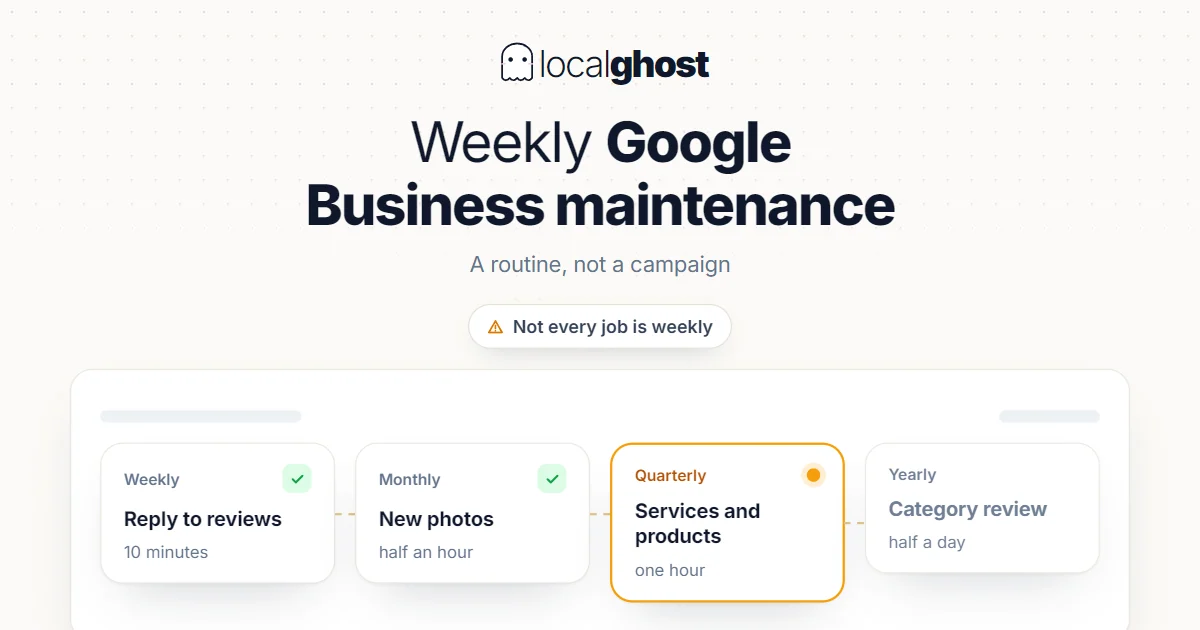
ReadProfile maintenance is a routine, not a campaign. But not every job is weekly — doing some of them weekly causes damage.
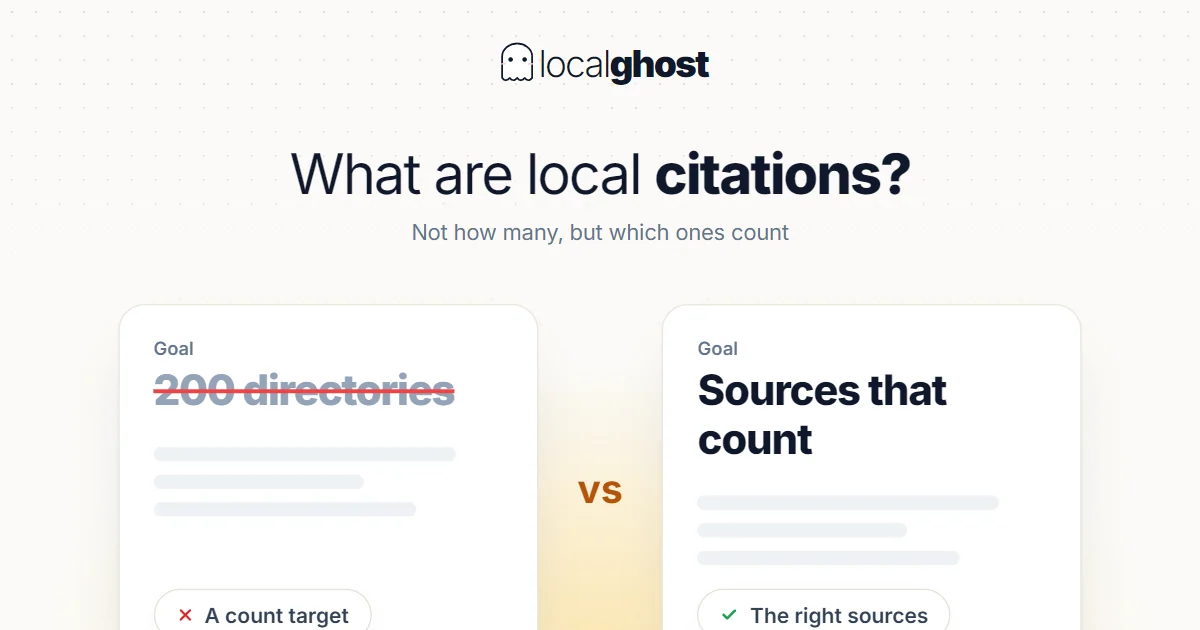
ReadA citation is a mention of your business details somewhere else. Setting a count target breaks this work; which source counts is the real question.
ReadConnect your profile and the first scan starts on its own.
No credit card required