Manage your Google profile photos from one media library
Upload, organize and clean up your Google Business Profile photos from a single media library.
Photos
Moka Coffee House · Kadıköy
Total media
42
Photos
36
Video
6
Location tag
✓
Drag and drop your photos here, or click to select.
Your uploaded media is automatically transferred to your Google Business Profile.
Media library
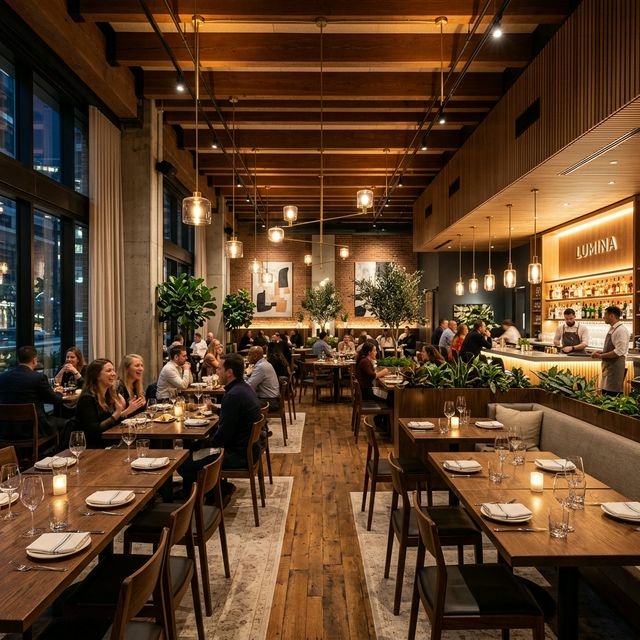
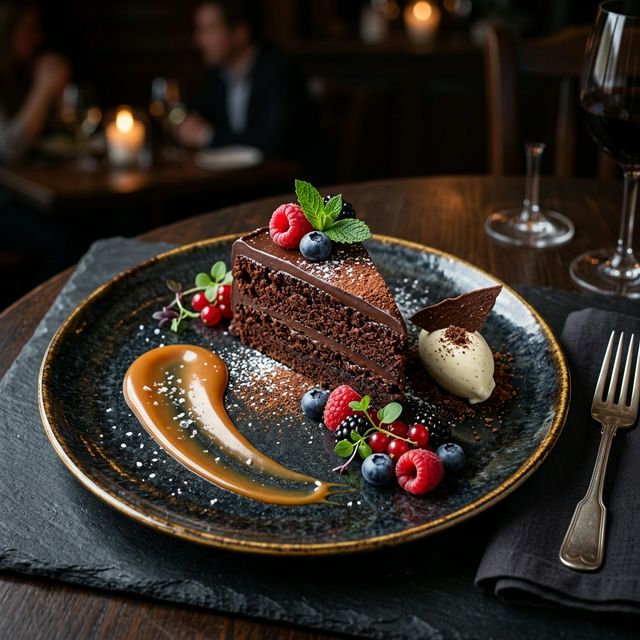





One library
Every profile photo in a single place, sorted by category.
Bulk upload
Add a batch of images at once and categorize them together.
Stay in sync
What you publish from Localghost lands on your Google profile.
A real home for your profile photos
Everything your Google Business Profile shows, managed in one place.
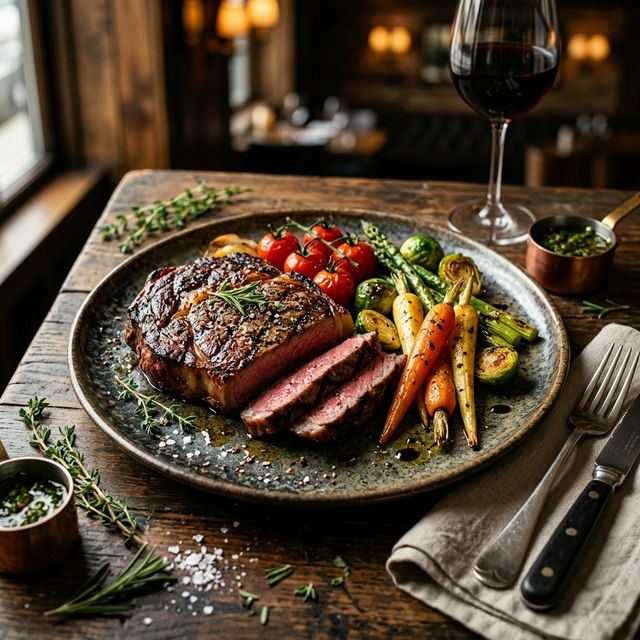
A dedicated media library
Every image on your Google Business Profile in one place — browse, sort and manage your visuals without switching back to Google.
Organized by category
Group media into the categories Google recognizes — logo, cover, interior, team and products — and filter the library to one category at a time so each image sits where it belongs.
Bulk upload
Add a batch of photos in one go and set their categories together, instead of uploading them one by one.
Clean up existing media
Review what's already on your profile and remove photos that are outdated, duplicated or off-brand.
Publishes to your profile
Photos you publish from Localghost land on your connected Google Business Profile, so the library and your live profile stay in step.
Keep the profile fresh
Adding new photos over time keeps your profile current for the people who find you on Google. The library makes it easy to see what you've posted and what's missing.
How it works
Connect your profile
One-click Google Business Profile OAuth pulls your existing photos into the library.
Organize and upload
Sort photos by category, bulk upload new ones and remove media you no longer need.
Publish to Google
The photos you publish from Localghost appear on your connected Google Business Profile.
Frequently asked questions
Which photo categories can I use?
The library follows the categories Google Business Profile uses — logo, cover, interior, team and products — so you can place each image where Google expects it.
Can I upload several photos at once?
Yes. Bulk upload lets you add a batch in one go and assign categories together, rather than uploading images one at a time.
Do photos I add here show up on Google?
Photos you publish from Localghost land on your connected Google Business Profile through the official API. The media library and your live profile stay in sync.
Can I remove old photos from my profile?
Yes. You can review the media already on your profile and clean up images that are outdated, duplicated or no longer represent your business.
Can I add my location to a photo before uploading?
Yes — that's what the separate GeoTag feature does. It writes your business coordinates into an image's EXIF metadata before you add it to the library. It's an optional, supportive step.