What was done, and what changed
How often you're in the top 3 per scan, weekly views and the work done that week, on one line.
Happy Halloween from Localghost. Our ghost is in costume until November 30.
Your profile scored 0–100, measured against the businesses ahead of you, with what changed since you started.
No credit card required
This screen is live. Move between tabs, switch the baseline, add an item to Tasks: it works here exactly as it does in the dashboard.
SEO Audit
As you scroll, one part of the report steps forward.
Profile, reviews, map & search and content, each scored on its own from your real data, with how many of the 21 sections need work first. Click an area and its tab opens.
Every tile is a real card from the report. Open it, play with it.
How often you're in the top 3 per scan, weekly views and the work done that week, on one line.
Same keyword, same grid: two scans, point by point, and who you passed.
At how many points of the last scan you're in the top 3, and who's ahead.
Topics from your reviews, how many reviews mention each, word-for-word quotes.
How often they're in the top 3, their rating, reviews and review pace.
The short answers to what people ask before their first audit.
Still have a question? Write to usIt reviews your Google Business Profile and online presence to find what helps or hurts your visibility, then lists what to do, ranked by impact.
Yes. The score is calculated automatically and deterministically from your real profile data, so re-running it on an unchanged profile returns the same number. AI adds the summary and how-to notes and hides suggestions that don't fit your business; it doesn't score.
29 weighted checks in 21 sections across four areas: profile (verification, categories, description, phone, hours, services, cover and logo, social links, name), reviews (rating and its recent trend, review count and pace, reply rate, unanswered negative reviews), map & search (grid-scan visibility, the searches that found you, views trend, citations, website) and content (photos, videos, posting rhythm, rejected posts, offers). A check with no data yet is left out of the score.
Pick a baseline: your first analysis, last month, three months or a date. The score and checks come from the last analysis saved on or before that day, the map compares two scans of the same keyword on the same grid point by point, and views, calls and directions compare 28-day windows. The weekly timeline marks what was done; it shows what changed in the same period, it doesn't prove the cause.
Yes, a 29-point local SEO checklist that fills itself in: each item is checked against your real profile, reviews, map scans and citations, marked critical, attention or good, and the open ones are ranked by impact.
The top 5 in your area come from your own area scans, ranked by how often they appear in the top 3. Description, social media and reply rate come from the 2 rivals profiled every week. If your last scan was run outside your service area, no rivals are compared.
No. Each finding is written in plain language with a clear next step and a link to the module that fixes it.
Yes. The 3 items in "To do this week" are added to Tasks on their own, any other item from "All items" with "+ Add to Tasks". Work that's already open in Tasks isn't added twice. A task from the audit has no "Mark as done": it completes itself once the analysis measures the fix.
Yes. The Client report button turns a finished month or week into a client report with a cover and up to 5 pages: a summary, how customers reached you and the searches that found you, what improved on the profile and reviews, visibility on the map and rivals, work done and the next period, all from measured data. Download it as a PDF (A4 portrait, one page per sheet) or share a live link that needs no login, shows current data every time it opens and can be turned off at any moment. With report branding set, it carries your logo, name and color.
You don't have to: the analysis is saved automatically every week, and that's what before / after compares against. Re-run it after a change to see the new score right away.
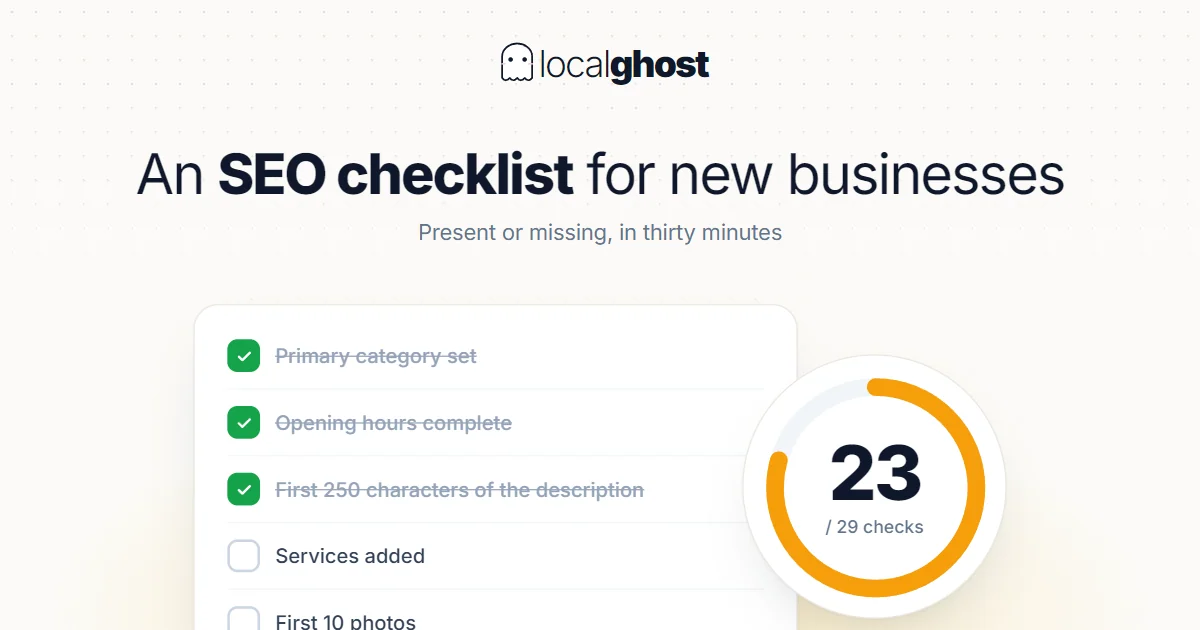
Primary category, consistent name and address, a profile checklist.
This is not a schedule of things to do but a present-or-missing list. Run it end to end in thirty minutes and mark the gaps.
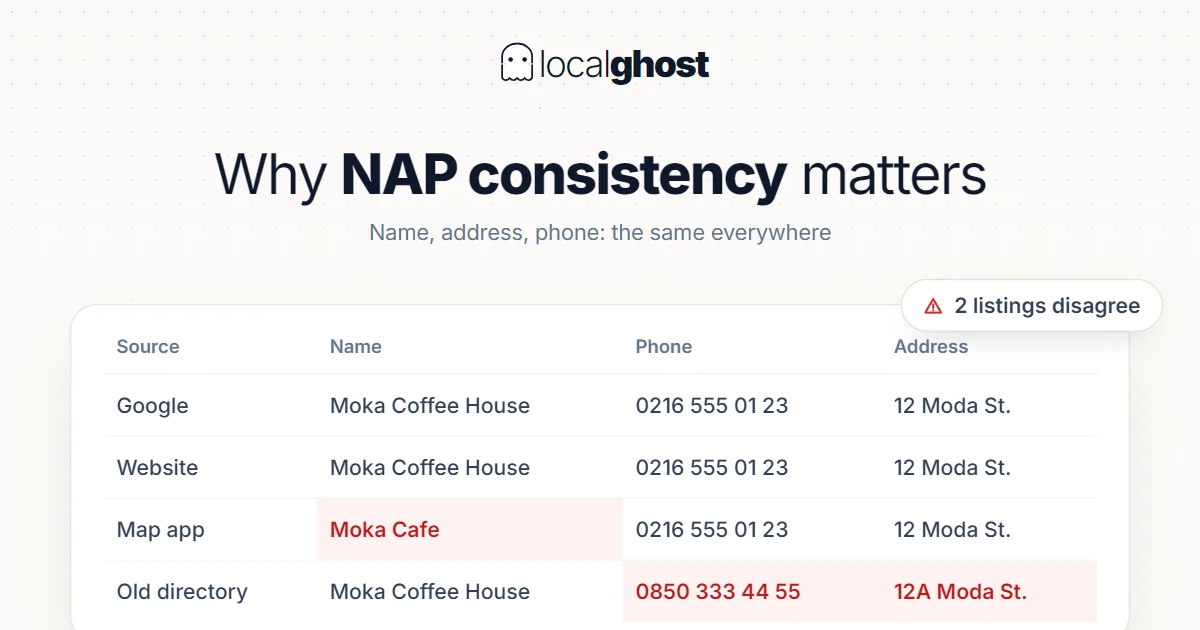
ReadNAP consistency is not housekeeping, it is a trust problem. But fixing every directory is also a waste: which ones actually count?
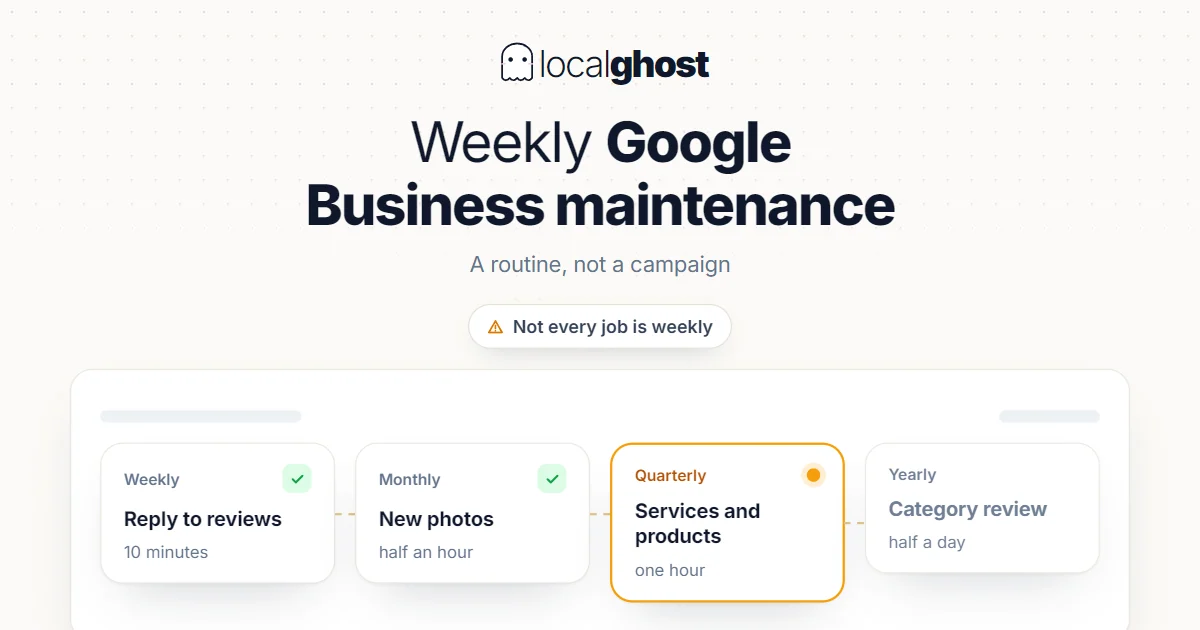
ReadProfile maintenance is a routine, not a campaign. But not every job is weekly — doing some of them weekly causes damage.
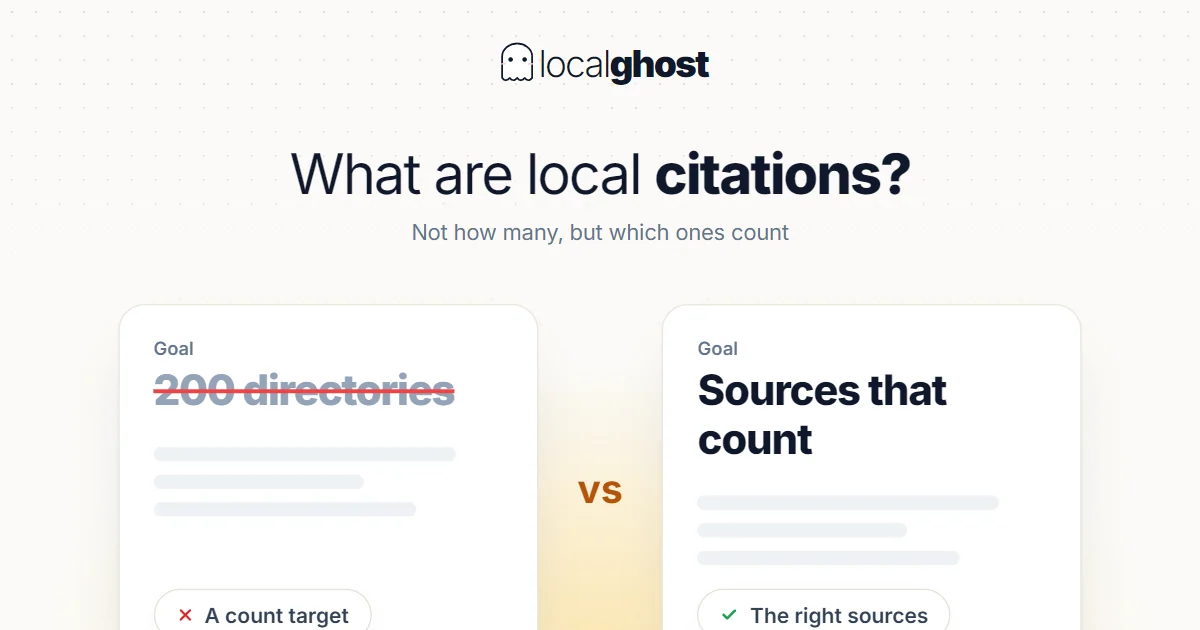
ReadA citation is a mention of your business details somewhere else. Setting a count target breaks this work; which source counts is the real question.
ReadConnect your profile and get your score and fix list from your own data.
No credit card required