What Is Google Business Profile and Why Is It Important?
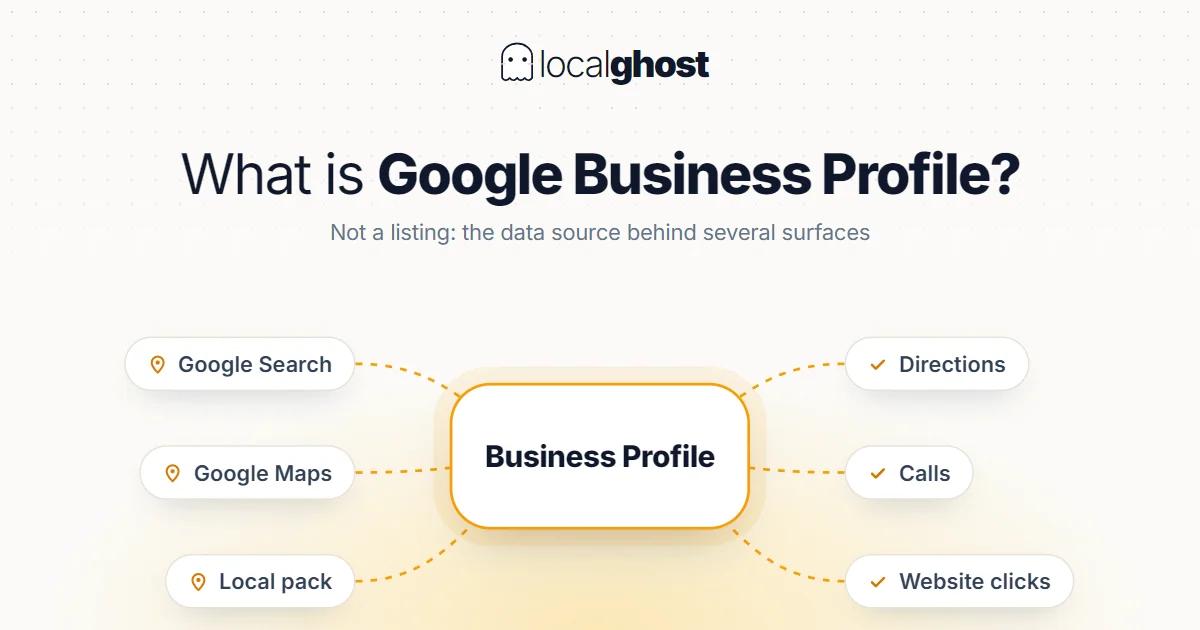
The profile is not a listing. It is the data source behind several separate Google surfaces, and it decides more local demand than your website does.
In this article
Summarize with AI
A Google Business Profile is the free product that controls how your business appears across Google Search and Google Maps. That definition is accurate and slightly misleading, because the word "listing" undersells what the profile does: this single data source feeds several independent Google surfaces, and for most local businesses it produces more customer contact than the website does.
This guide covers which surfaces the profile actually drives, which of its fields carry weight, how claiming and verification really work, and where first-time setups go wrong.
Which surfaces the profile feeds
When you fill in a profile you are not filling in one page. You are filling in four surfaces:
The knowledge panel. The box that appears when someone searches your business by name — name, hours, phone, photos, reviews, directions. This is what branded search returns.
The local pack. The three-listing map block that appears for "service plus place" searches. Most local discovery happens here, and the block is populated from profiles, not websites. How it is assembled is its own topic: how the 3-pack works.
Google Maps. Both the app and the web version, including the longer ranked list behind the pack.
Actions taken on the profile. Call buttons, direction requests, booking links, and messaging where enabled. These are conversions that never touch your website.
That last point explains why the profile is more than a listing. A customer who searches, reads your reviews, taps *Call* and books an appointment has converted without a single page view. A business measuring local visibility by website traffic alone never sees any of that contact.
Why it carries so much weight
This is better answered with the mechanism than with statistics, because the provenance of the "X times more clicks" figures circulating online usually cannot be traced.
The mechanism: in a local search, the question Google has to answer is not "which page explains this topic well" but "which business nearby does this, and is it open now". The answer to that does not live in a web page. It lives in structured business data — category, location, hours, services, reviews. The profile is exactly where that data sits.
The practical consequence: a business with no website at all can do well in local search, while a business with an excellent website and an empty profile can be invisible on the map. They are two separate races, and local demand runs through the profile side.
Which fields actually do the work
The fields are not equal. Roughly in order of impact:
Primary category. The strongest single field. It decides which query pools you are eligible for at all, and when it is wrong everything else is wasted. Pick the most accurate specific option rather than the broadest, and use secondaries for the rest: how to choose the right category.
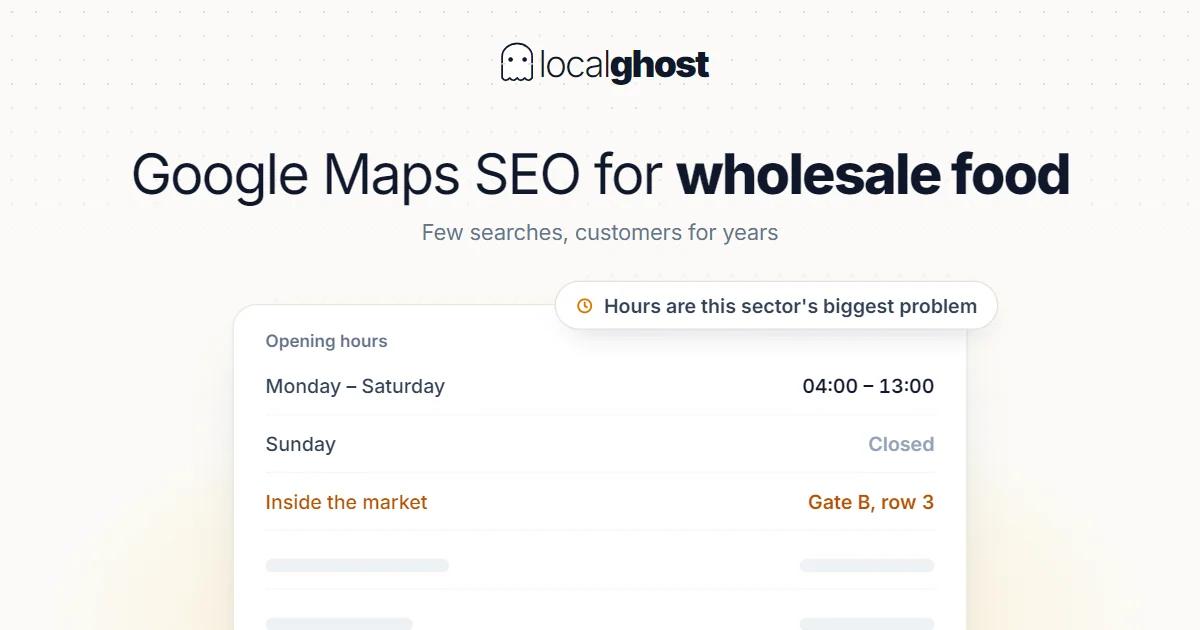
Opening hours. Not just information — a filter. An "open now" search eliminates a business whose hours are wrong. Holidays, break hours and ranges that cross midnight all take real work here: hours optimization.
Reviews and replies. Recency counts as much as volume; a pile of reviews whose newest is a year old reads as a business in decline. Replying is a visible activity signal, and the real audience for your reply is the next customer: increasing Google reviews.
Service list. Services named in the words customers use are the most direct relevance signal after the category.
Photos. How many you have matters less than when the newest one was added. A profile whose latest photo is two years old looks abandoned to Google and to the searcher.
Business description. 750 characters and a weak ranking signal — but a strong conversion surface, because the person comparing you with two competitors reads it: how to write the description.
Name, address and phone consistency. Directory records that disagree with your profile weaken the prominence signal: why NAP consistency matters.
Posts. A weaker signal than the above, but it keeps the profile alive and in some sectors brings work directly.
The address field is a special case: your address also feeds a ranking input you cannot edit. Distance is one of the three factors Google states it uses, and it is why you cannot rank well across a whole city from one address.
Claiming and verification: what actually happens
A common misconception is that the profile only exists if you create it. Google can generate an unclaimed listing for a business from other data sources. Your business may already be on the map without your knowledge — and may already have reviews.
So the first step is not to create. It is to search: is your business already on Maps? If yes, the job is claiming it. If no, create it.
Verification is Google confirming that your address and business are real; the method varies by category and country (video, phone, email, postcard). An unverified profile runs with limits.
Three situations get confused, and each has a different fix:
- The profile was never claimed → the claim and verification flow.
- Someone else holds ownership (a former agency, a departed employee) → Google's request-access flow, which involves waiting for the current owner to respond.
- You are signed into the wrong account → the profile is not lost, you are elsewhere.
In all three the same thing must not be done: creating a second listing. A duplicate splits your reviews, confuses Google and can trigger filtering; it is harder to undo than to avoid.
Six mistakes that repeat at setup
- Choosing the broadest category. Being "Kebab Shop" instead of "Restaurant" puts you into more accurate searches, not fewer.
- Stuffing the name with keywords. Adding services and districts to your legal name is a guidelines violation and a common suspension cause.
- Setting hours once and forgetting. A profile showing "open" on a holiday produces a customer turned away at the door and a negative review.
- Setting the service area too wide. Making a whole city your service area does not widen reach; it dilutes the signal.
- Using a virtual office or mailbox. Using either in place of a physical location is a guidelines violation.
- Leaving verification half-finished. An unverified profile does not run most of the fields you filled in.
What to measure
There are two separate measurements on the profile side, and they answer different questions.
Profile data — searches, views, calls, direction requests, website clicks. These are contacts that happened; because they include conversions that never reach your site, this is the closest measure of local performance.
Ranking — how much of your service area sees you. The trap here is believing a single position number: local position changes with the searcher's location, so a check from your own premises tells you almost nothing. The method that holds up: how to track rankings.
Your sector changes the job
The fields are the same for everyone, but which one decides the outcome varies by sector. Working through a generic checklist and investing in the field that actually decides your sector are different jobs.
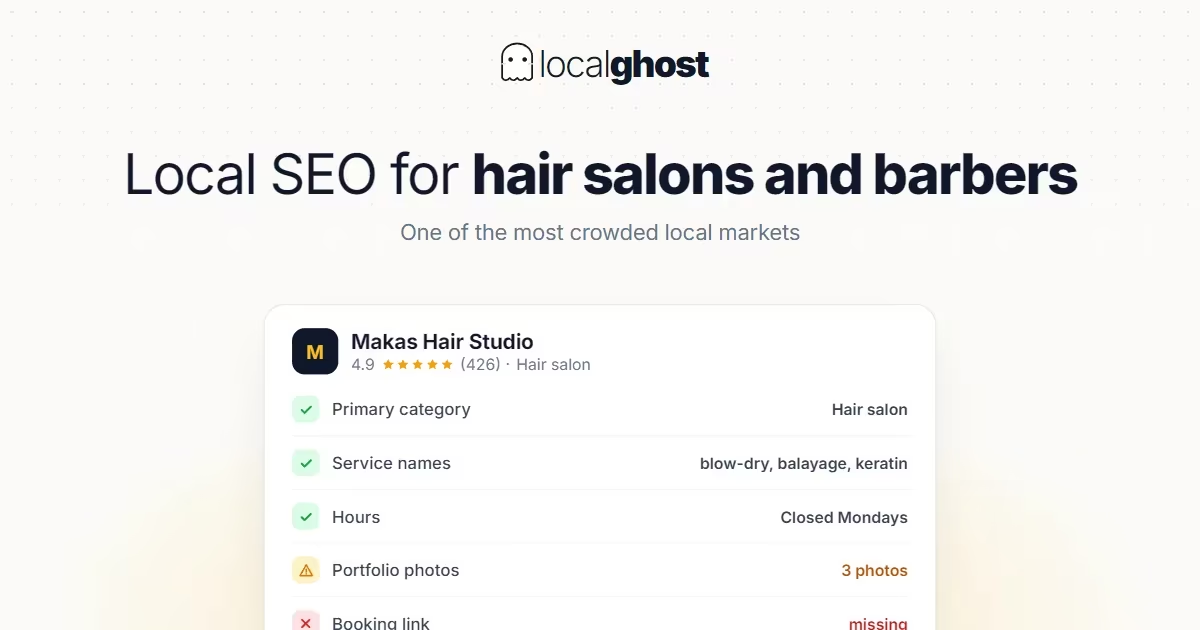
In a salon what decides it is review velocity and hours accuracy, because the client chooses from walking distance and for today — local SEO for hair salons. In restaurants the "open now" filter and menu matching move ahead of everything else: Google Business guide for restaurants.
In healthcare the same fields operate under different constraints; replies must carry no clinical detail — Google Maps SEO for dental clinics. In trades where the price is not known upfront, such as removals, the profile's real job is removing uncertainty: moving company SEO.
Same product, whatever it is called
You will see this profile called both Google My Business (GMB) and Google Business Profile (GBP). Google renamed My Business to Business Profile in November 2021; there is no second product, no migration and no account to convert. A profile opened under the old name behaves identically to one opened today. Details: GMB vs GBP.
Frequently asked questions
Is Google Business Profile free? Yes. Creating, verifying and managing the profile costs nothing. Google sells ads and paid third-party management tools exist, but the profile itself is free.
Do I need a profile if I have a website? Yes, and for local visibility it usually matters more than the site. What appears in map results is the profile, and in many local searches the customer never reaches a website at all.
I have no physical shop. Can I still have a profile? Yes, as a service-area business; you can appear in local results without displaying an address. The conditions are that you serve customers at their location and that the address you register is a real place you operate from.
I have a profile but cannot find it on Maps. What happened? Check in order: are you signed into the right Google account, was the profile verified, did you receive a suspension notice. If all three are fine, the profile most likely exists but is not showing for the query you tried — that is a separate ranking question.
How many photos should I upload? Coverage and recency matter more than count: exterior, interior, team, examples of work, and menu or products if relevant. Having a current newest photo does more than a high total.
How often should I update the profile? Hours immediately when they change, photos every few months, posts regularly if your sector warrants it. Fields like the description and category are set correctly once and left alone; they are not weekly levers.
Written by
Localghost Team
Related tools: Local SEO Audit · Local Grid Scan · Review Management · All local SEO tools