How to Connect Your Google Account
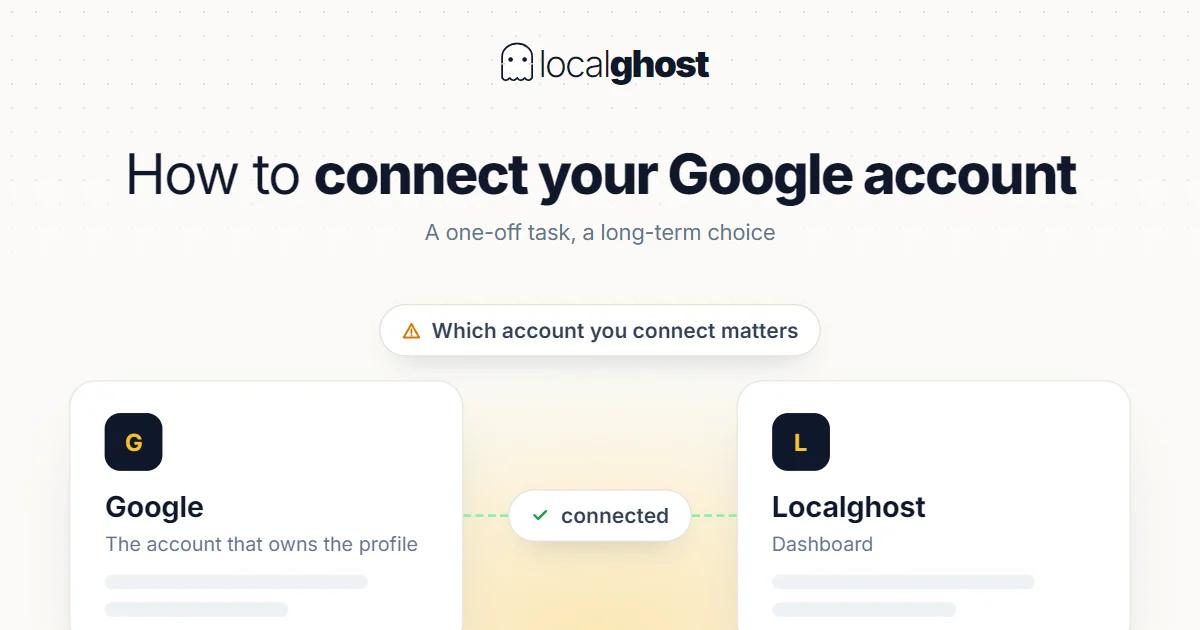
Connecting an account is a one-off task, but which account you connect matters long term. A short help article.
In this article
Summarize with AI
This is a short help article. It covers how the connection works and the three problems people hit most often.
Which account to connect
The Google account you use matters long term, because ownership of the profile sits with it.
Use an account belonging to the business. Connecting with a personal account works in the short term, but access leaves with that person when they do.
Make it jointly accessible. The recovery phone and email should be details more than one person at the business can reach.
Do not use an employee's account. A connection made with a staff member's personal account creates problems when they leave.
This connects to why access structure needs writing down in franchise and agency relationships: local SEO management for franchises.
Permission level
Permissions on Google Business Profile come at different levels, and the distinction matters.
Owner. The profile's primary holder. Can add and remove other users and can remove the profile. This level belongs with the business.
Manager. Can do the day-to-day work — updating information, replying to reviews, adding photos — but cannot transfer ownership. This is the right level for an agency or staff.
The rule is simple: an agency gets manager access, not ownership. Grant ownership and the profile can end up on the other side when the relationship ends.
When the connection drops
Three common situations and what to do.
You get a permission error. The connecting account's access on the profile may have been removed. Check which accounts hold permissions on the profile.
The wrong profile got connected. If the account holds several profiles, the wrong one may have been selected. Remove the connection and set it up again with the right profile.
A token expired. Access grants can become invalid over time, prompting reauthorisation. That is expected behaviour rather than a fault.
There is also the checking side: your Google Account shows which apps have access and what data they can reach. You can remove that access at any time — which is exactly what to do when you part ways with a piece of software or an agency.
Checks after connecting
Three things to verify once the connection is made:
Is it the right profile? With multiple branches, check which location got connected: multi-location management.
Is the information complete? Connecting does not fill in missing information. The audit is its own subject: local SEO checklist.
Are notifications on? With new-review notifications off, late replies become inevitable.
Frequently asked questions
Can I connect with my personal Google account? It works technically but is not advisable. If nobody but you can reach that account, access stays tied to one person.
Which permission should I give my agency? Manager. Ownership belongs with the business; otherwise the profile can end up on the other side when the relationship ends.
The connection dropped. Is my data gone? No. The connection is an access grant; the profile and everything in it stays where it was. Reauthorising is enough.
Can I connect several profiles with one account? Yes. In multi-branch setups what matters is being clear which location is managed at which permission level.
Written by
Yunus Akan
Related tools: Review replies · Add GPS to photos · All local SEO tools