How to Use AI Response Suggestions
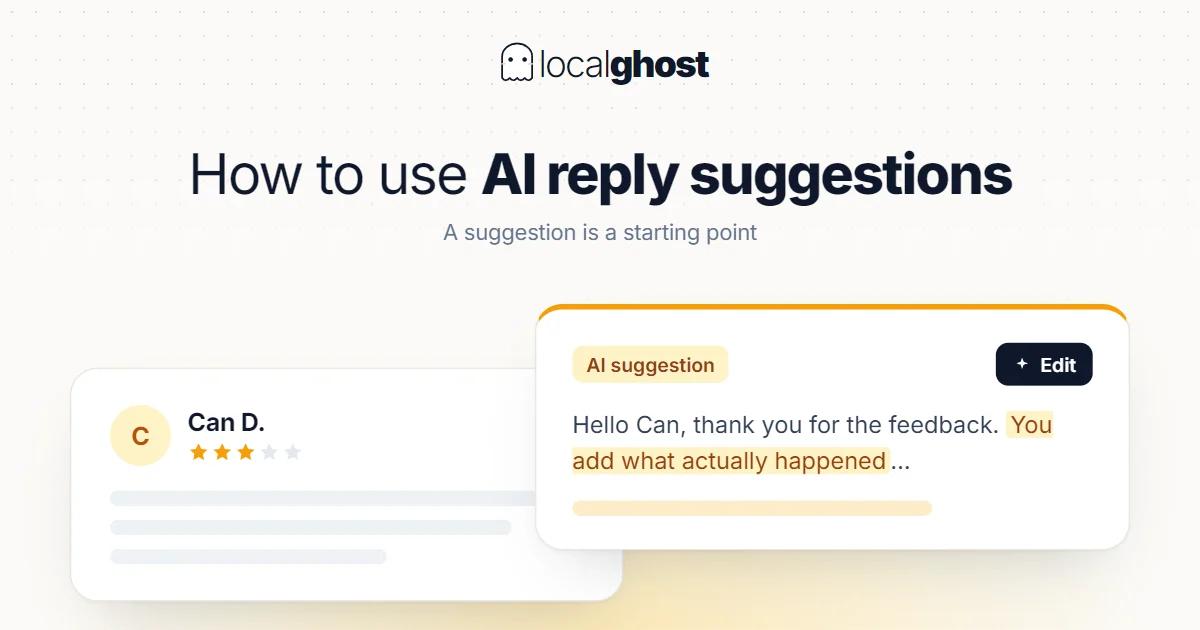
A response suggestion is a starting point. You supply what knows the incident — and some reviews should never use one.
In this article
Summarize with AI
This is a short help article. It covers how to use response suggestions and where their limits are.
The one-sentence summary: a suggestion is a draft, not a reply. Its value is in filling a blank page; you decide the final text.
Three checks before sending
Sending a suggestion unchanged is the most common misuse of this tool.
Add what knows the incident. If the customer describes a particular day, person or transaction, the reply has to know about it. A generic reply reads like a template, and template replies do not build trust.
Check for commitments. A suggestion can promise a policy, discount or remedy that does not exist. A published reply becomes a commitment, and because it sits in public, subsequent customers expect the same thing.
Leave no personal data. A reply should not contain a customer's name, phone number or transaction detail. Moving the conversation to a private channel is the right route.
The general logic of working with patterns is its own subject: review response templates.
Which reviews should not use a suggestion
This list is not open to debate. A human should write these.
Ones containing legal claims. Reviews mentioning lawsuits, compensation or formal complaints. Those replies go on the record.
Ones about health and safety. In healthcare, a reply to a complaint must avoid implying patient information and may be subject to professional regulation; check your own rules.
Ones signalling a crisis. Situations with potential to reach the press, or where the same complaint is arriving as a wave, need a different response: review crisis management.
Ones describing a specific incident. The suggestion does not know that incident, and a reply written without it can make things worse.
Suggestions work best on neutral, positive and thank-you type reviews — which is also where the time saving comes from.
Verify the reply published
This step gets skipped often, and skipping it leaves the reply looking unwritten.
Review replies are moderated. If your reply is not approved you are asked to edit it, and review usually takes up to 10 minutes — but can sometimes stretch to 30 days.
Practical consequences:
The reply may not be live immediately. Exactly when speed matters most, on a negative review, a reply sitting in review does not show.
Some patterns trip filters. Replies containing links, phone numbers or promotional language carry risk. In generated text those can slip in unnoticed.
Comparison is needed after a bulk send. Putting what you sent next to what appears live should be a check step: weekly maintenance calendar.
The review itself is never generated
So far we have discussed replies. The review itself is entirely different and there is no flexibility.
Contributions must reflect a genuine experience. And offering free or discounted goods or services in exchange for posting, changing or removing a review is treated as misleading content and is strictly prohibited.
The legitimate route to more reviews is its own subject: strategies for increasing reviews.
Frequently asked questions
Can I send the suggestion as it is? You should not. Add what knows the incident, confirm there is no commitment, and leave no personal data in it.
Why does the suggestion not know the incident? It reads the review text, not your records. You supply that information.
Why is my reply not showing immediately? Replies are moderated; usually up to 10 minutes, sometimes up to 30 days. If not approved, you are asked to edit it.
Which reviews should not use a suggestion? Ones involving legal claims, health and safety, crisis signals, or a specific described incident. A human should write those.
Can I generate reviews with AI? No. Contributions must reflect a genuine experience; generated reviews risk resetting your accumulation.
Written by
Yunus Akan
Related tools: Review Management · Local SEO Audit · Free Photo Geotag Tool · All local SEO tools