Yemeksepeti and Google Business Integration
The order button on a restaurant's Google profile is not always the restaurant's choice. There are ways to control that surface.
In this article
Summarize with AI
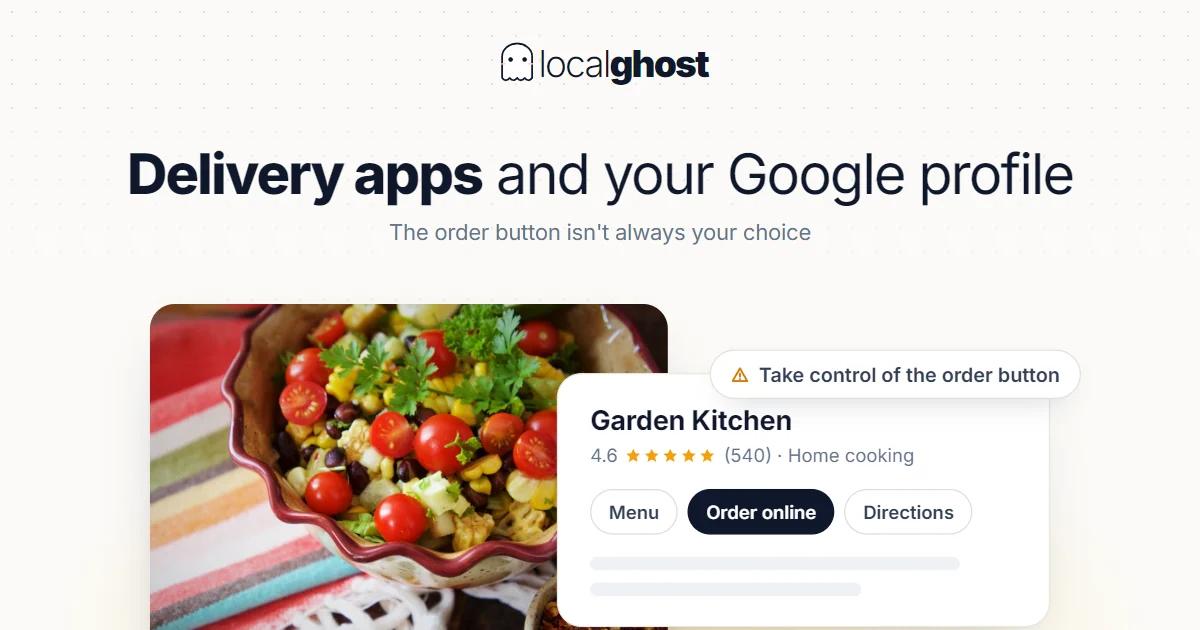
Most restaurants notice this topic the same way: there is an "order" button on their Google profile and they did not put it there.
That is not surprising, because order links reach a profile by two different routes.
Links you add. Deliberately placed links pointing at your own ordering system or the platform you work with.
Links that appear on their own. Aggregator platforms carry your inventory to Google because they work with you, and they can surface as ordering options on your profile.
Left unmanaged, that second group quietly determines your commission structure. The good news: you have more control over this surface than most operators assume.
Controlling the ordering surface on the profile
Google's documentation contains a setting most restaurants do not know about: you can turn off accepting orders on your profile. When that setting is off, third-party order options and links you have added are hidden from your Business Profile.
This is the sharpest tool you have, and it needs using carefully, because switching it off affects not just the link you dislike but the ordering surface as a whole.
The sequence for deciding should be:
See it first. Open your profile as a customer would and list which ordering options appear. Check on a phone; desktop looks different.
Then separate them. Which of those options did you add, and which arrived on their own?
Then decide. If there is a provider you do not want, managing that relationship on the platform side is usually more precise than switching the profile setting off entirely.
For the general logic of the profile and which fields actually do work: Google Business guide for restaurants.
The arithmetic of commission
This topic is financial rather than technical, and the numbers are ones the operator already knows.
On an order arriving through an aggregator, the platform takes a commission. On an order through your own system, it does not. The two routes can sit side by side on the same screen.
The trap here is the "let us cancel the aggregator" reflex. An aggregator is a visibility channel; it reaches customers who have never heard of you. Cancelling closes that channel.
The more precise approach is being present on the same screen as the commission-free option. If your own ordering link is on the profile, the customer already looking for you sees the direct route. The customer who does not know you carries on arriving via the aggregator.
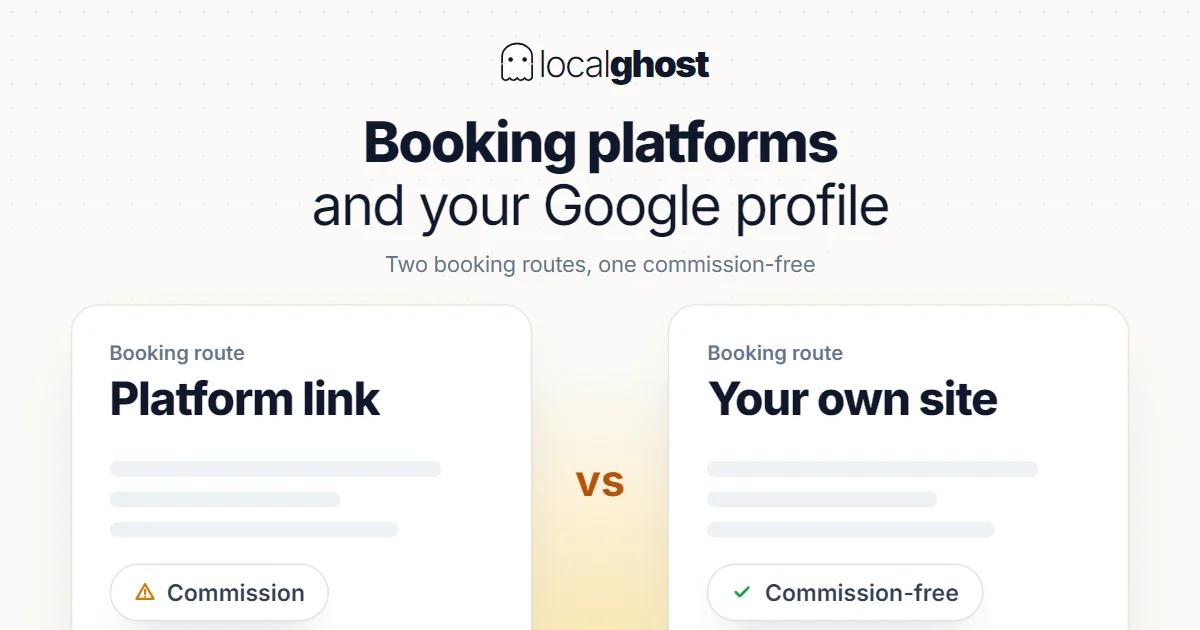
The concrete consequence: not setting up your own link means handing a commission-free order to a commissioned channel. The same balance exists in accommodation: booking platform links.
Setting up your own ordering link
For your own link to work, the page it leads to has to be able to complete an order.
The most common mistakes:
Linking to the homepage. A user ready to order lands on a homepage and starts hunting for the menu.
Linking to a menu PDF. A PDF does not read well on a phone and cannot take an order.
Linking to a system that fails on mobile. The overwhelming share of ordering traffic is on phones: website SEO for local businesses.
Leaving the same link live outside opening hours. A user landing on an ordering page while you are closed gets no answer and does not try again. Accurate hours are therefore decisive on the ordering side too: hours optimization.
There is also an eligibility limit: Google states plainly that not every business is eligible for every link type. If no ordering link field appears, that is not a fault; your category may not be eligible: how to choose the primary category.
Links get audited
This matters for anyone thinking of link fields as free space.
Google regularly checks whether the business links you have provided comply with its policies and may remove non-compliant ones. Those checks run at most daily and use a combination of automated tools and manual processes.
Practical consequence: putting an unrelated page, a campaign landing page or a tracking link in the ordering field does not last. The field exists for a page that does the job it is defined for.
Third-party policies have their own dimension: for serious or repeated violations, sanctions extending to being stopped from managing a Business Profile are defined. So pushing these fields means risking the whole profile.
Menu, price and consistency
Once the ordering surface works, the second problem is consistency.
Price differences. Prices on an aggregator are usually raised to absorb commission. That makes it possible to offer lower prices on your own site — but your platform contract may contain a price parity condition. You need to check your own agreement.
Menu differences. An item being on your site but not the aggregator is not a problem; the reverse is. If a customer cannot order the item they saw on the profile, they write about it in a review.
Closures and sold-out items. An item off the menu needs removing on both sides. That is a daily operating habit, not a technical setting.
The profile-side equivalent of this consistency work is the general cost of contradictory information: NAP consistency.
Measuring where orders came from
This is the one dataset that lets an operator actually decide: which channel brings how many orders.
On the profile side you have a click count — how many times the ordering link was pressed. Whether that turned into an order does not appear on the profile: reading the statistics.
On the aggregator side the platform gives you its own dashboard, but that data covers only its own orders.
The practical way to close the gap is tagging your own ordering link separately, which splits "orders from the Google profile" from "orders from the site". Without that split, commission decisions get made on instinct.
One caution: a single week's data is not enough to decide on. Ordering demand differs markedly between weekdays and weekends; you need at least a month.
The review side of aggregator platforms
A frequent question: does my aggregator score carry over to Google?
It does not. Each platform's reviews accumulate and display separately. A high score on an aggregator does not change the average on your Google profile.
The result is the same at many restaurants: thousands of ratings on the aggregator, a few hundred on Google. Yet the average shown on the map and in search is the Google one.
Asking for reviews on delivery orders is harder because there is no face-to-face contact. Practical routes: a card in the order, a QR on the packaging, a message after the order. The rule is unchanged: immediately after the service, once: collecting reviews with QR codes.
A significant share of negative reviews also originates in delivery — and delivery is done by the aggregator. When replying, placing responsibility accurately informs both the customer and whoever reads it later: turning negative reviews into opportunities.
Frequently asked questions
There is an ordering link on my profile I never added. Why? Aggregator platforms can surface as ordering options because they work with you. Per Google's documentation, turning off accepting orders on your profile hides added third-party options and links.
Should I remove the order button entirely? Usually not. The aggregator is a visibility channel reaching customers who do not know you. The more precise route is having your own commission-free link on the same screen.
Where should my own ordering link point? To a page where the order can be completed. A homepage, a menu PDF and a system that fails on mobile do not meet that condition.
No ordering link field appears on my profile. Google states that not every business is eligible for every link type. Your category can be the deciding factor.
Can I put a campaign page in the link field? It will not last. Google checks link policy compliance at most daily and may remove non-compliant links.
Does my aggregator score carry over to Google? It does not. Reviews accumulate separately on each platform. The average shown on the map is the Google one, so review requests need directing there too.
Written by
Yunus Akan
Related tools: Profile analysis · All local SEO tools