Local SEO software for agencies and consultantsEvery client in one account. Your logo on every report.
Grid scans, review replies, scheduled posts and a client report for every Google Business Profile you manage. Every module is on every plan.
No card needed. Plans are priced by the number of businesses.
Onboarding
Add a client in a few minutes.
Connect the Google accounts that manage your clients' profiles and pick their businesses. You can connect more than one Google account.
- Day 1
Their data comes in
Profile, reviews, posts, photos, statistics and search terms sync from Google.
- Day 1
The first grid scan
If the business shows an address on Google, its first scan runs on its own: 19 points within 2 km for its main category.
- Every week
The next fixes
The SEO Analysis re-scores 29 checks and sends the top three fixes to Tasks. They close on their own once the change shows up.
- Reply to 2 negative reviewsSEO Analysis
- Add your website addressSEO Analysis
- Add the “Coffee shop” categorySEO Analysis
- Every period
The client report
At the end of each period the report comes to you by email, with the live link to forward. We never email your client.
Client reports
Reports and links that carry your name.
Every client report and shared grid scan shows your logo, name, colors and contact email. Your client opens them without an account.
- Monthly or weekly, compared with where you started
- PDF in one click
- The work you did is listed on its own
- The “Measured by Localghost” line can be turned off
- What you need from the client goes in the report
Team
Bring your team in, with the right access.
Four roles to start from, and every switch can be changed per person. Seats come with your plan.
Everyone in the account sees all of its businesses. To show a client only their own business, send them the report's live link.
| Team | Owner | Admin | Editor | Viewer |
|---|---|---|---|---|
| See every business and its data | ||||
| Reply to reviews | ||||
| Create and schedule posts | ||||
| Work through tasks | ||||
| Share and export client reports | ||||
| Run grid scans and schedules | ||||
| Add and manage businesses | ||||
| Change account settings | ||||
| Manage billing |
Seats per plan:Starter 1Professional 5Premium 10Premium Plus 10
Plans
Priced by businesses. Every module on every plan.
AI credits and grid scans are pooled across the account, so a busy client can use what a quiet one doesn't.
Starter
1 business
1 user
210 grid scans a month
1,200 auto replies a month
Professional
3 businesses
5 users
630 grid scans a month
3,600 auto replies a month
Premium
5 businesses
10 users
1,050 grid scans a month
6,000 auto replies a month
Premium Plus
10–110 businesses
10 users
2,100+ grid scans a month
12,000+ auto replies a month
On every plan:Area ScanCompetitorsStatisticsSEO AnalysisDirectory ListingsSchema GeneratorLocation TagReviewsAutomatic ReplyQR Review KitPostsOffersInstagramPhotosBusiness ProfileWebsiteGhost AITasksReportingAI writing
Questions agencies ask
Have a question that isn't here? Write to us and we'll look at it together.
Contact usYes. Every client business sits in the same account, and you switch between them from the Business Center. Your plan sets how many businesses you can add, and Premium Plus grows in steps of five.
Connect the Google account that manages the client's Business Profile (you can connect more than one) and pick the businesses. Localghost imports the profile, reviews, posts, photos, statistics and search terms.
Not today: everyone you invite sees every business in the account. To give a client a view of their own business, share the client report's live link. It needs no login, shows only that business and can be turned off at any time.
The report shows your logo, name, colors and contact email, and you can turn off the small “Measured by Localghost” line. The dashboard and our system emails stay Localghost-branded, and links open on localghost.co.
No. At the end of each period the reports come to you by email, with a summary and the live links. You decide what to send, and when.
Plans differ only by the number of businesses, users and monthly AI credits. Every module is on every plan, and AI credits and grid scans are shared across all businesses in the account.
Remove their business and its slot frees up right away; its data is kept for 30 more days. Each billing period you can remove as many businesses as your plan includes.
Yes. Invite teammates as Admin, Editor or Viewer and adjust each person's switches. How many people you can add depends on your plan.
Guides
Guides for running local SEO for clients.
From measuring ROI to weekly profile upkeep.
All guides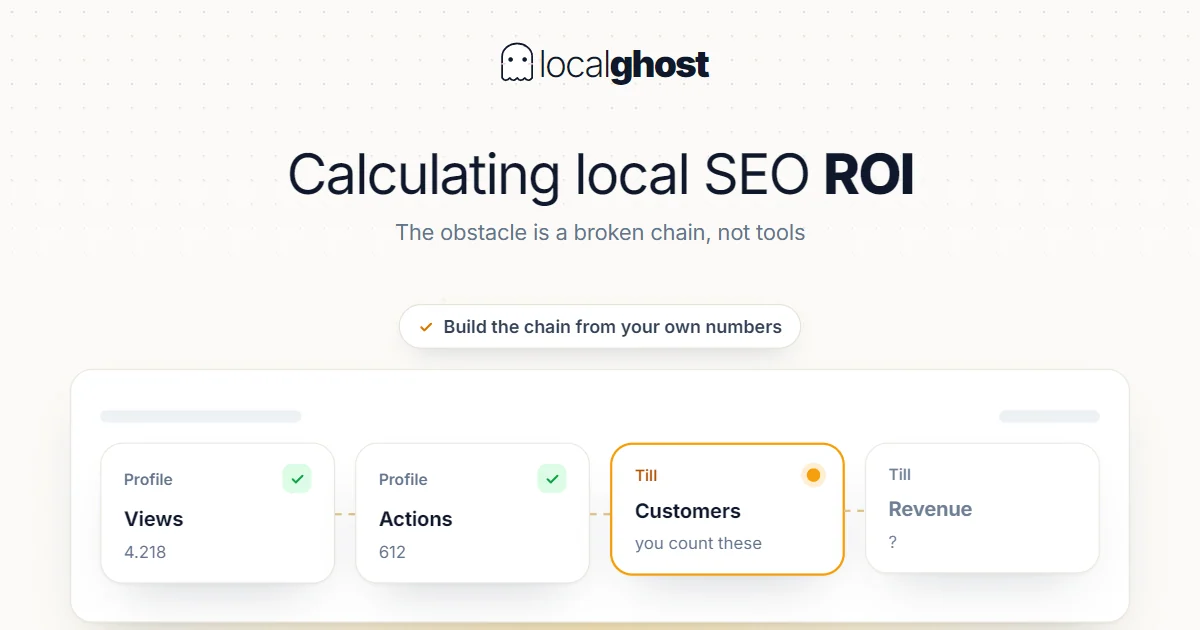
How to Calculate Local SEO ROI
The obstacle to calculating local SEO return is not missing tools, it is a broken chain. Here is how to build that chain from your own numbers.
Read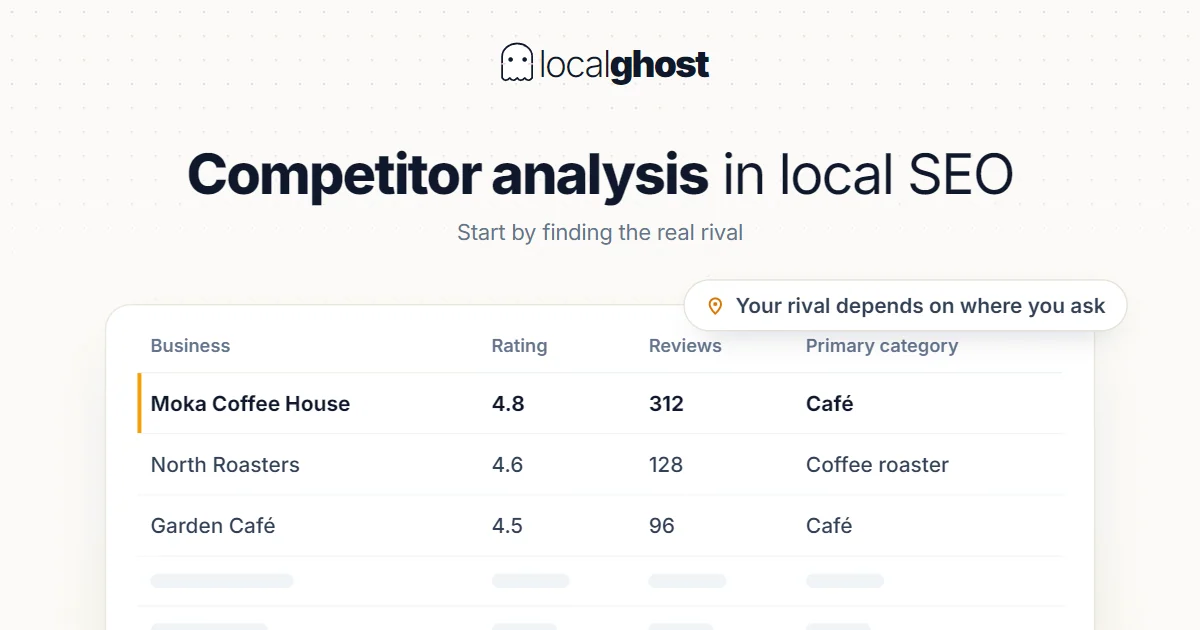
How to Conduct Competitor Analysis in Local SEO
In local search there is no single answer to 'who are my competitors': it changes with where you ask. Analysis has to start there.
Read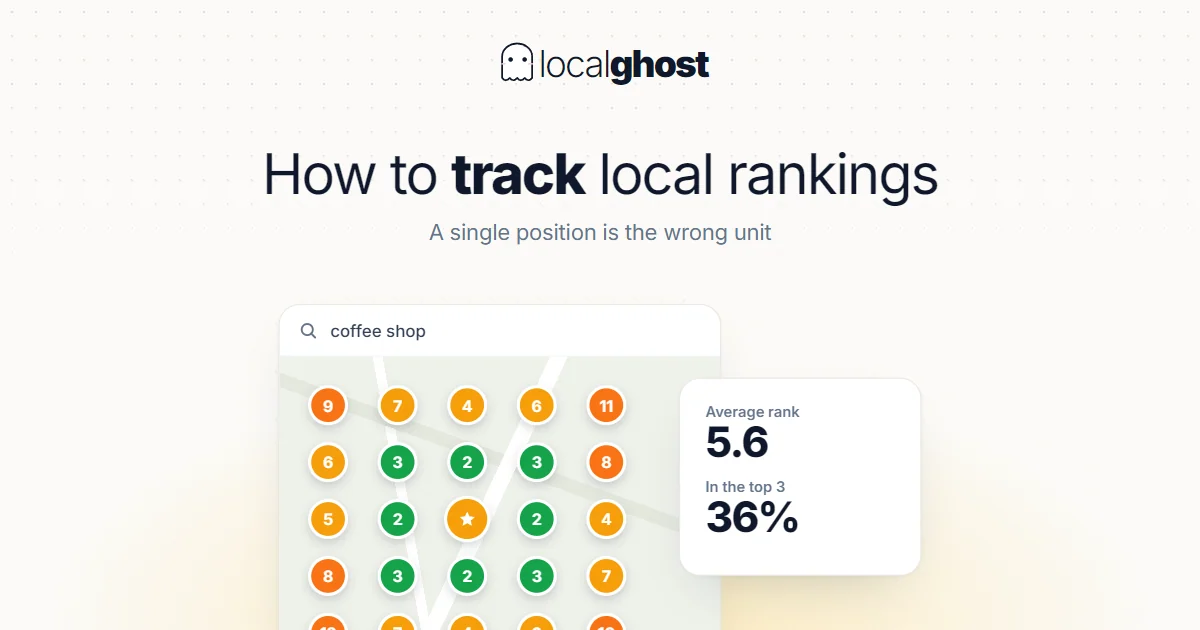
How to Track Rankings
Local rankings change with the searcher's location, so a single position number is close to meaningless. Here is how to track them in a way you can act on.
Read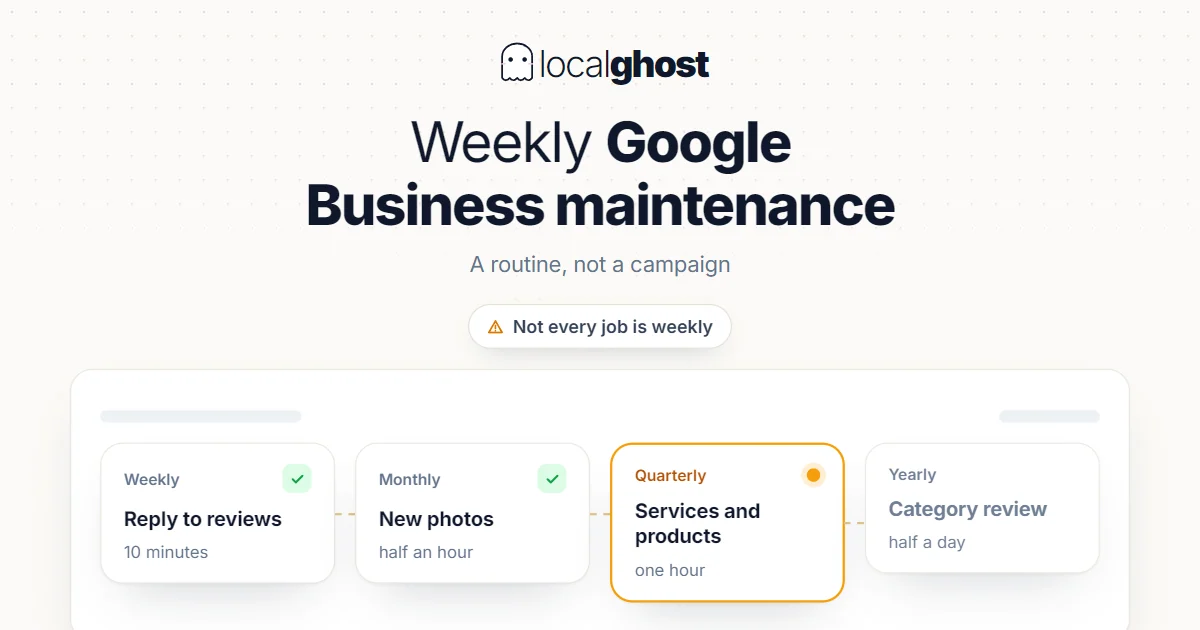
Weekly Google Business Maintenance Guide
Profile maintenance is a routine, not a campaign. But not every job is weekly — doing some of them weekly causes damage.
Read